
 Nomad RoamIn development, phase 7 of 8Updated Oct 13, 2026
One mouse and keyboard for every computer on your desk.
Roam lets your pointer slide off one screen and onto the next computer's, whether it runs Linux, macOS or Windows. Copy on one and paste on the other, or drag a file across the edge.
Not out yet. Early-bird price at release: $15, then $25.
Don't mind rough edges?
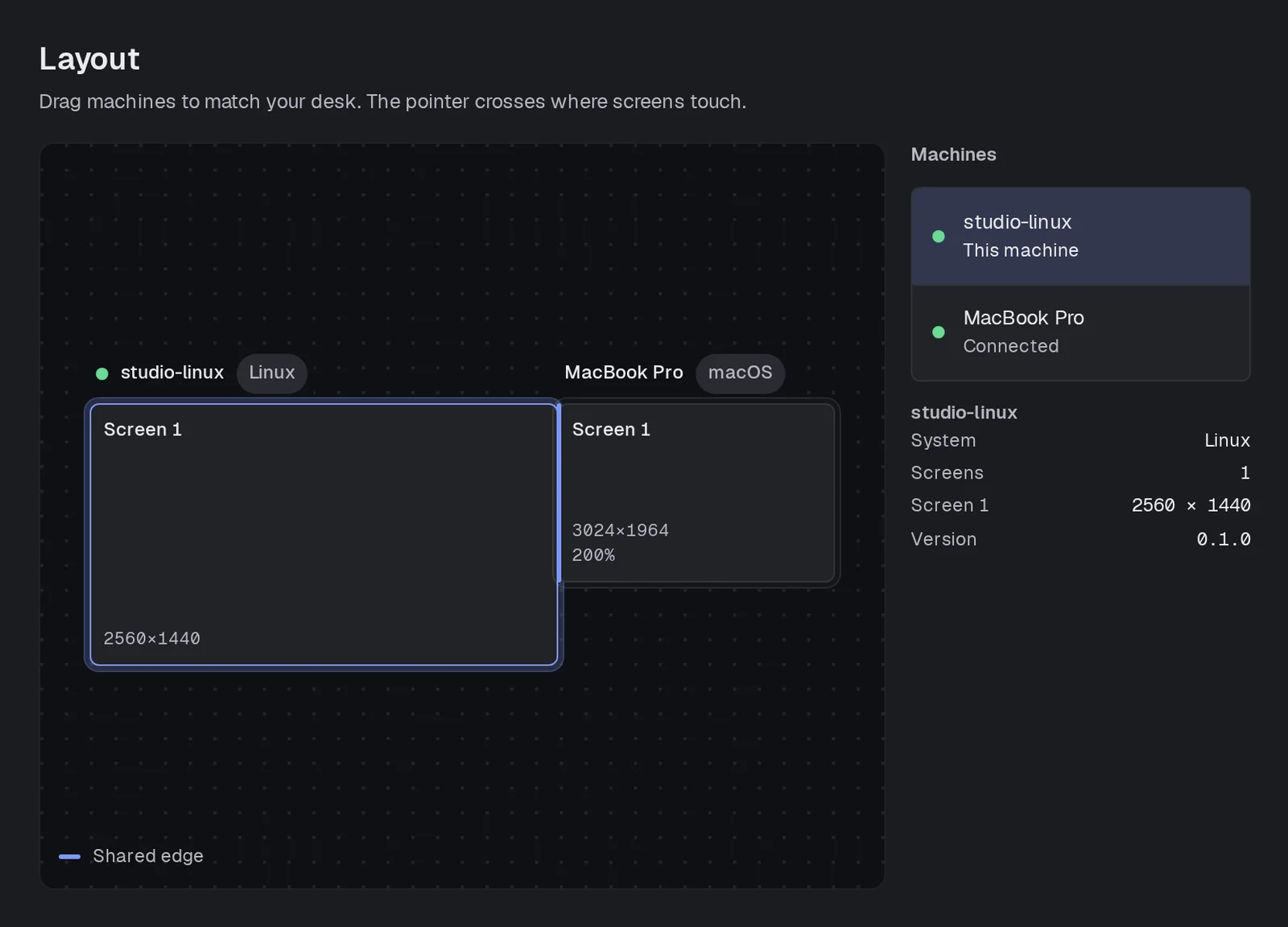
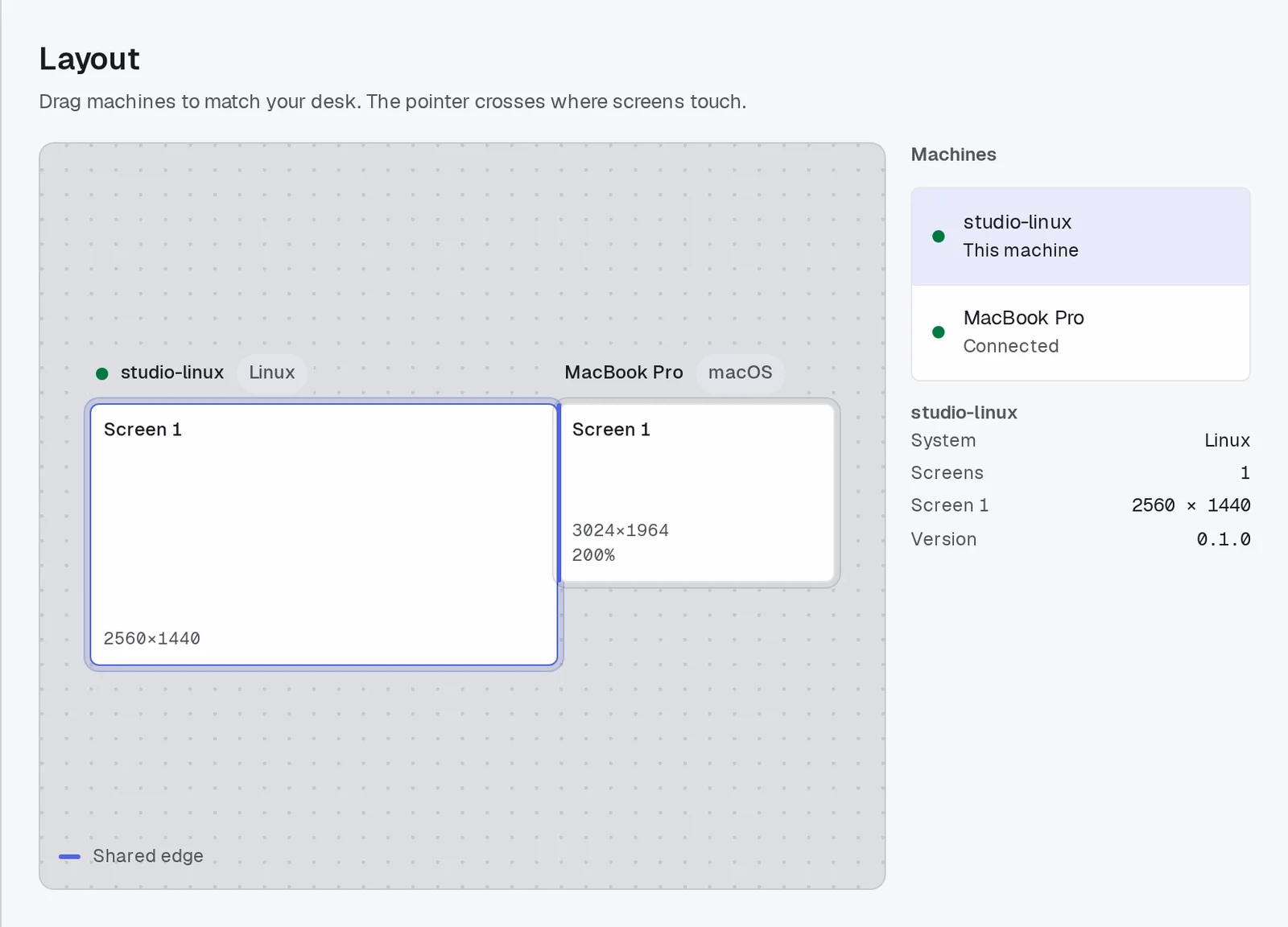
Set up your desk by dragging
Computers running Roam on your network find each other. Drag their screens into place to match your desk, and the pointer crosses wherever two screens touch.
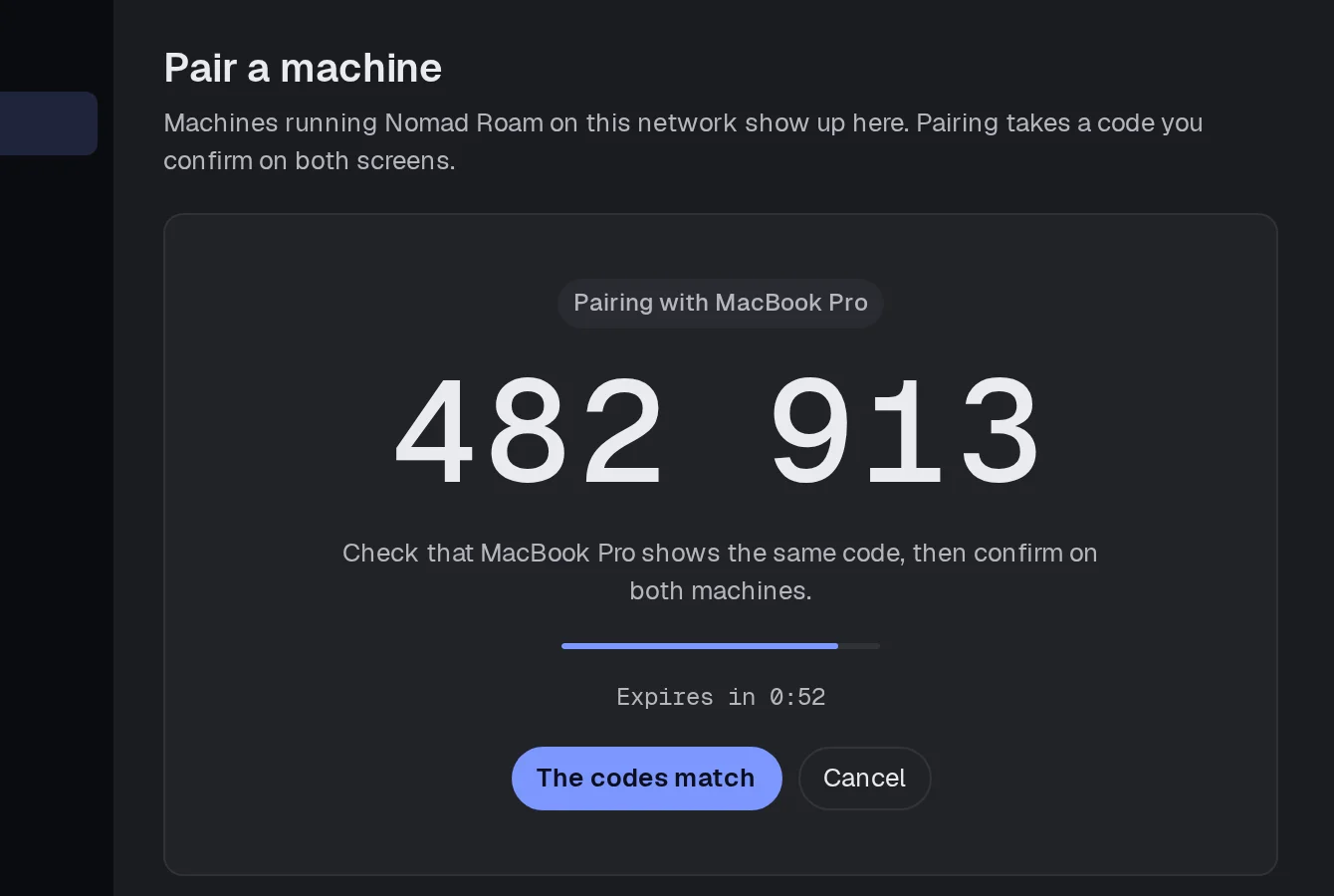
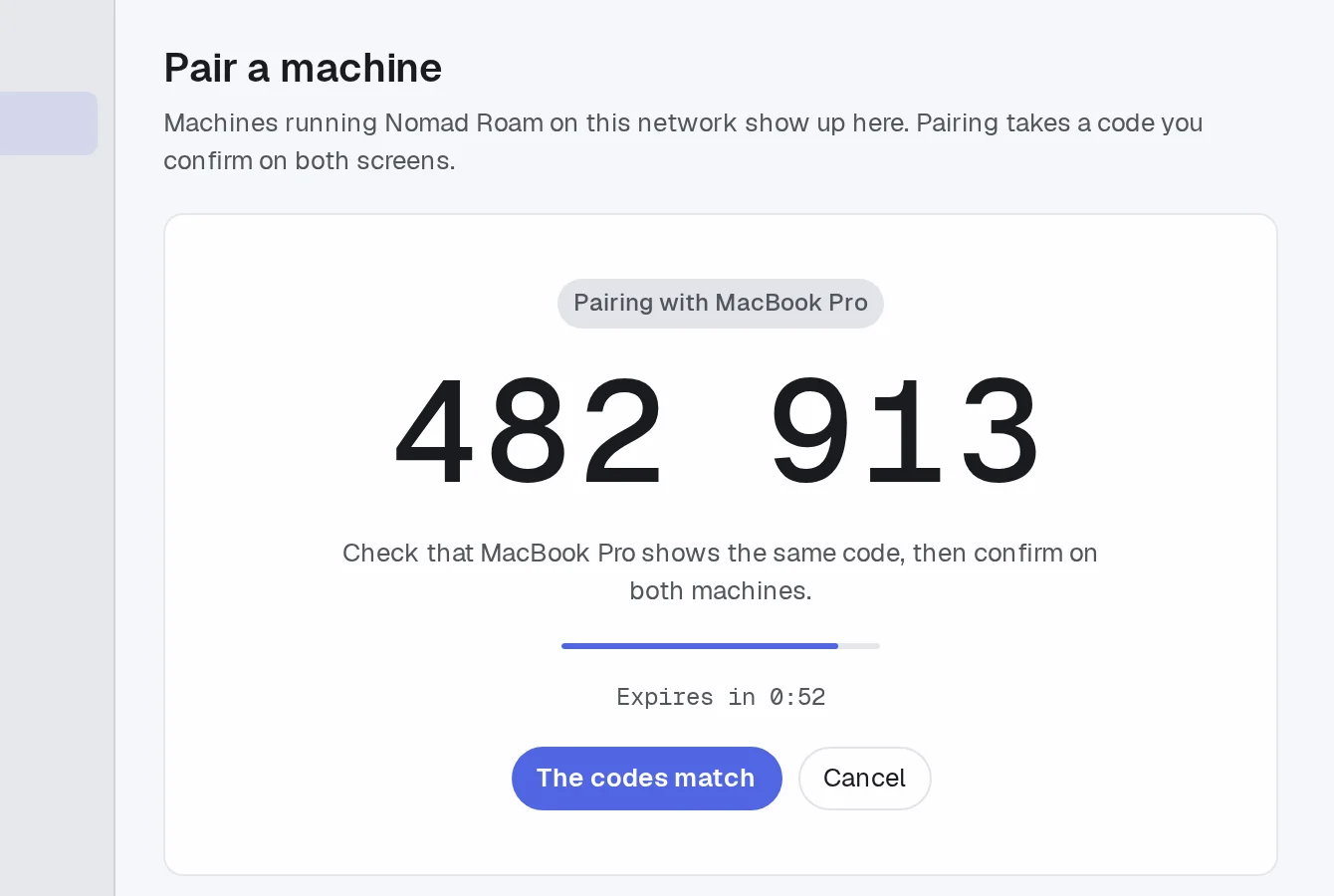
Pair once with a code
A computer joins only after you check that both screens show the same six-digit code. From then on the link between them is encrypted and stays on your network.
Never stuck on the wrong screen
If the link drops, control comes back to the computer in front of you within about a second, and any keys you were holding are let go. Ctrl+Alt+Shift+H brings the pointer home at any time.
CtrlAltShiftH
Also in Roam
Any mix of computers
Linux, macOS and Windows side by side on one desk.
Made for Wayland
Roam runs under Wayland on KDE Plasma.
Shared clipboard
Copy on one computer and paste on another.
No account and no cloud
Your computers talk to each other directly. There's nothing to sign up for and nothing is sent anywhere else.
Runs on
- macOSApple silicon and Intel
- Windowsx64
- LinuxWayland on KDE and GNOME, and X11
Changelog
Full changelogSigned Mac buildsmilestone
The Mac build is now signed and notarized and comes as a drag-to-install disk image, so macOS opens it without a warning.
First full desk testmilestone
Roam ran across a Linux PC and a MacBook on a real desk for the first time.
Questions
Does my typing go over the internet?
No. Your computers talk to each other directly on your own network, never through us, and the link between them is encrypted.
Do I need it on every computer?
Yes, Roam runs on each computer you want to share the mouse and keyboard with. One license covers all of them.
How do my computers find each other?
Roam finds the others on your network by itself. A computer joins only after you check that both screens show the same six-digit code.
What if the connection drops?
Control comes back to the computer in front of you within about a second, and any keys you were holding are let go. Ctrl+Alt+Shift+H brings the pointer home at any time.
What does Roam cost?
Roam isn't out yet. At release it's $15 as an early-bird price, then $25. You buy Roam once. A license covers you on every computer you use and includes a year of updates, and the app keeps working after that. There's no subscription and no account.
One mouse and keyboard for every computer on your desk.
Don't mind rough edges?