

One pixel art app for your whole game
I'm making a game and drawing all of its art myself. I got tired of switching apps: sprites in one, the level in another, effects drawn frame by frame, and an export every time something changed. So I built one app that does all of it.
Check your inbox. I sent a link to you@example.com. Click it to confirm.
Get it on itch.io Get it on the App Store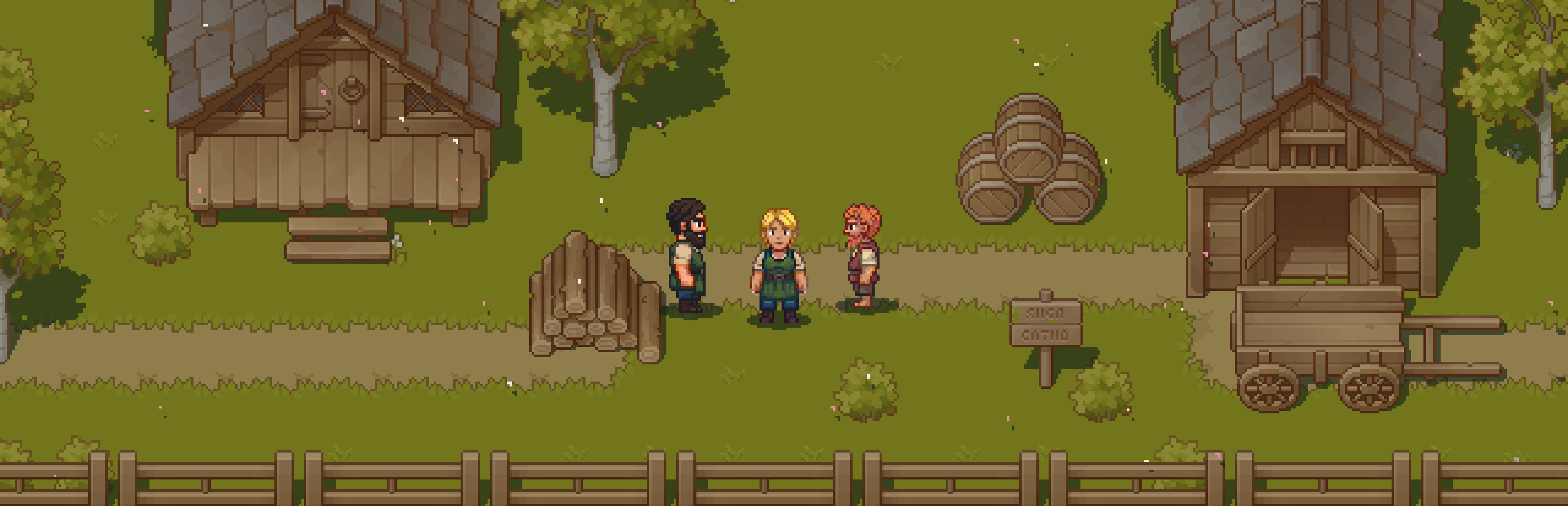
Everything in one file
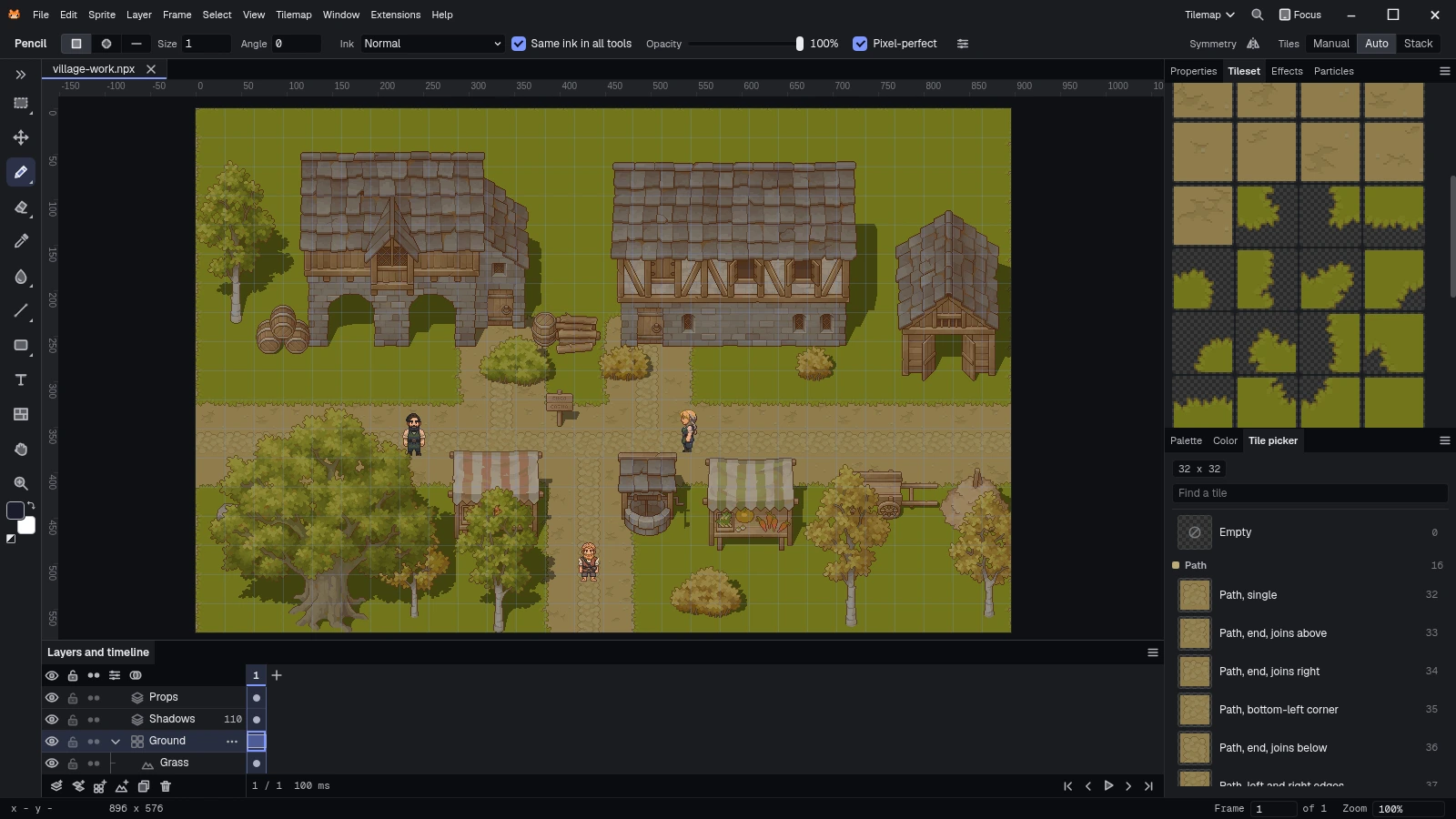
This village is one document. The ground is a tilemap layer with the path and the grass on terrain layers inside it, and the houses, trees and three characters sit on pixel layers above. It all shares one timeline, so a walk cycle plays on the level it belongs to before you export anything.
- Pixel, tilemap and particle layers in one layer list
- Groups, blend modes, opacity, clipping, alpha lock and reference layers
- One timeline for every kind of layer
Effects and particles
Sparks, dust and hit flashes usually get drawn frame by frame, then redrawn whenever the sprite changes. Here effects and particles render as real pixels on the timeline, using only colors from your palette. They stay editable until you bake them into frames, and you can switch any of them off.
How the tree sways
The trunk is a pixel layer that never changes. The canopy is a second layer with a gentle ripple pinned at the trunk, so it sways from the top. A third layer holds the brightest leaves and sways a little more, and a fourth holds small leaf clumps that wave on their own. Falling leaves are a particle layer with five hand-drawn leaf shapes in the tree's own shades, blown off by the wind. Every frame uses the document's palette, and all of it stays editable.
- Effects sit on a layer and cover a range of frames
- Particles can use shapes you draw, with spin
- Bake either into plain frames when you're done

Squash and stretch
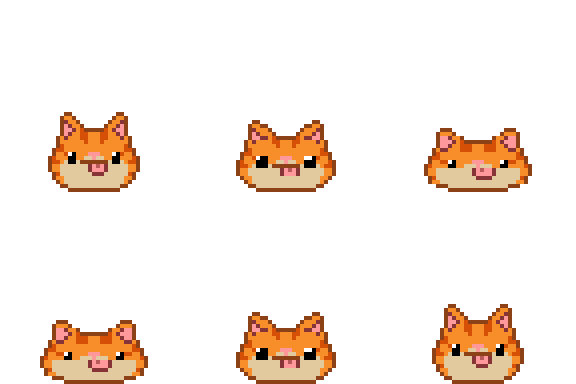
Scales the sprite about its feet, wider as it gets shorter.
Jump
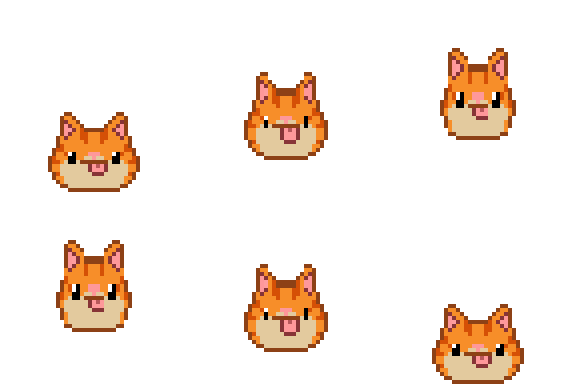
Lifts the sprite by up to 64 pixels on an ease curve.
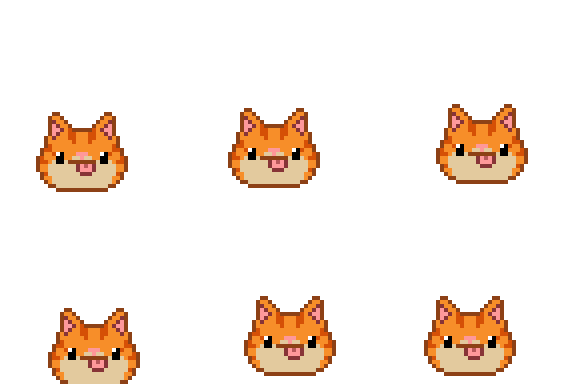
Shake
A random offset each frame, the same every time you play it.
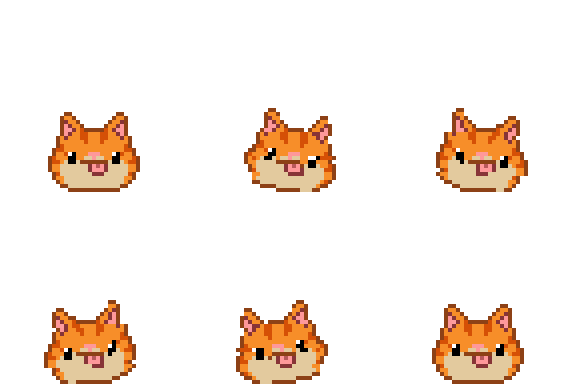
Wobble
Rocks the sprite about its feet, by an angle and a rate.

Wave
Shifts each row sideways on a sine, for water and heat.
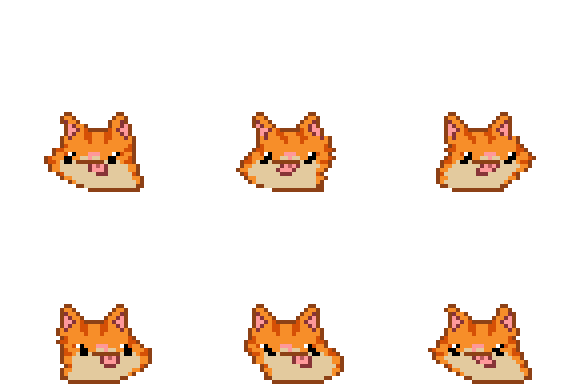
Cloth ripple
Sways from a pinned line, with wind. For capes, flags and hair.
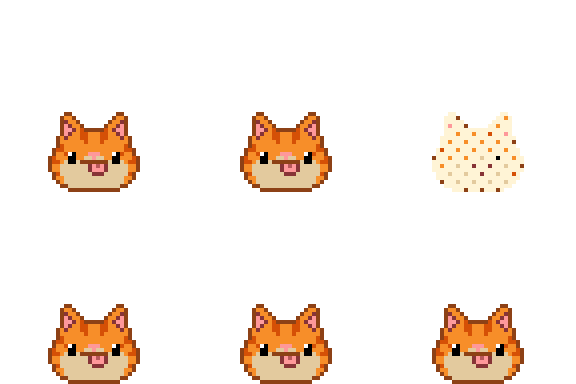
Flash
Fills the sprite with one palette color for a hit or a spawn.
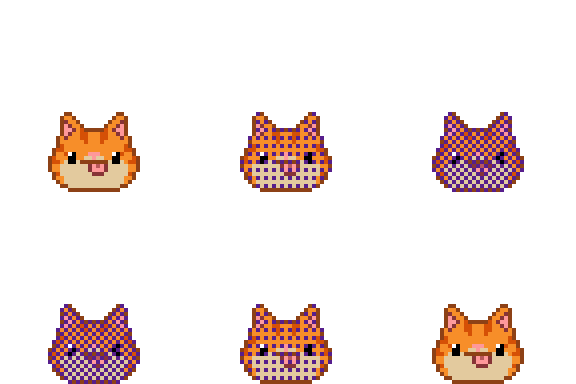
Tint
Mixes a palette color in by an amount.
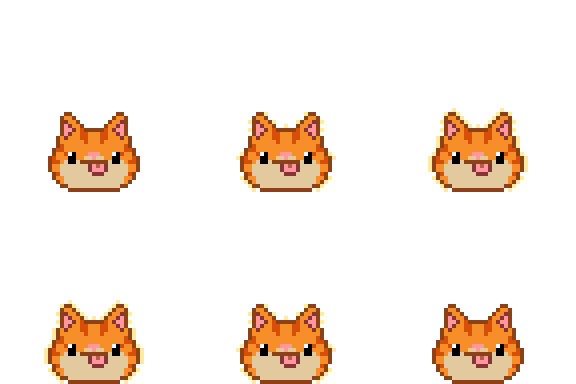
Outline
Draws a palette color around the edge.
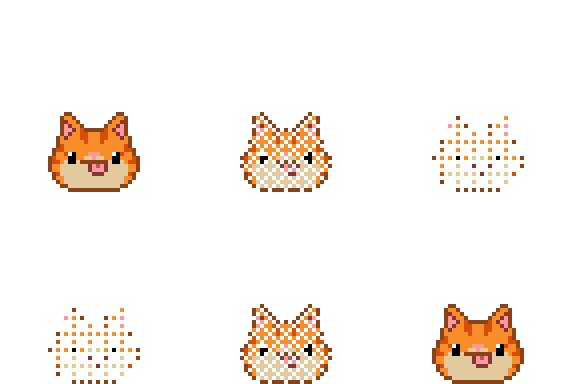
Dissolve
Clears pixels in a dither as the curve rises.
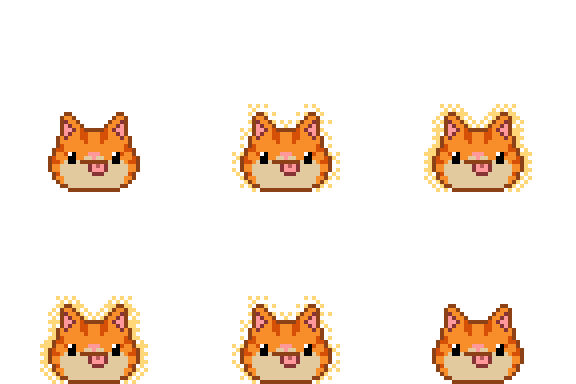
Glow
A soft halo in a palette color, dithered so it stays pixel art.
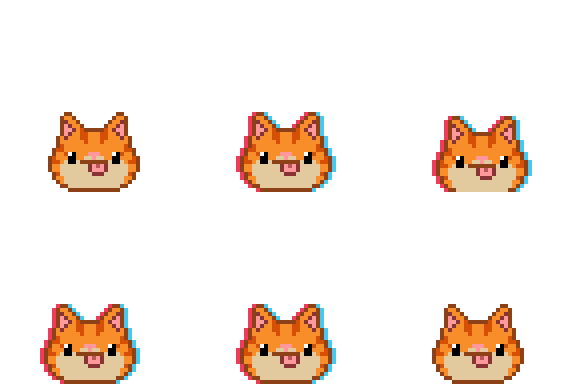
Color split
Two palette colors pulled to either side for a hit or a glitch.
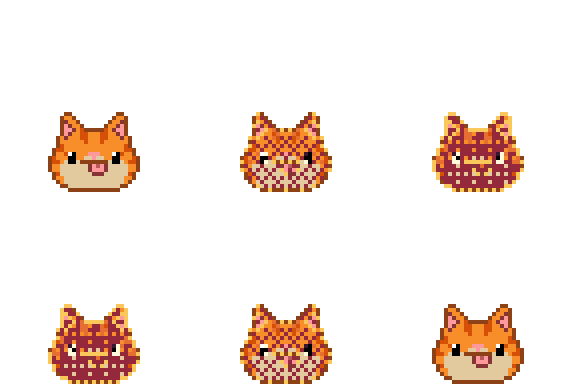
Gradient map
Recolors the sprite through a ramp by brightness. Pick a ramp from the library or make one.
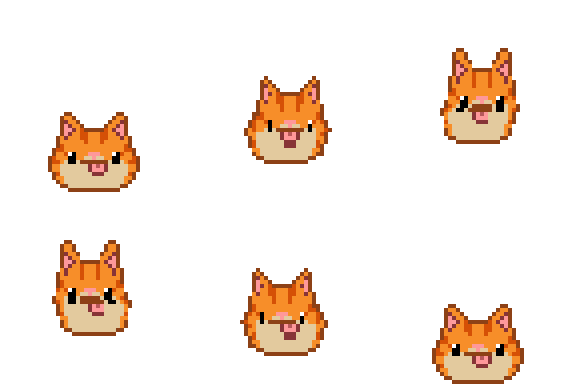
Transform
Move, turn, scale and skew about the feet or the middle, each on its own curve.
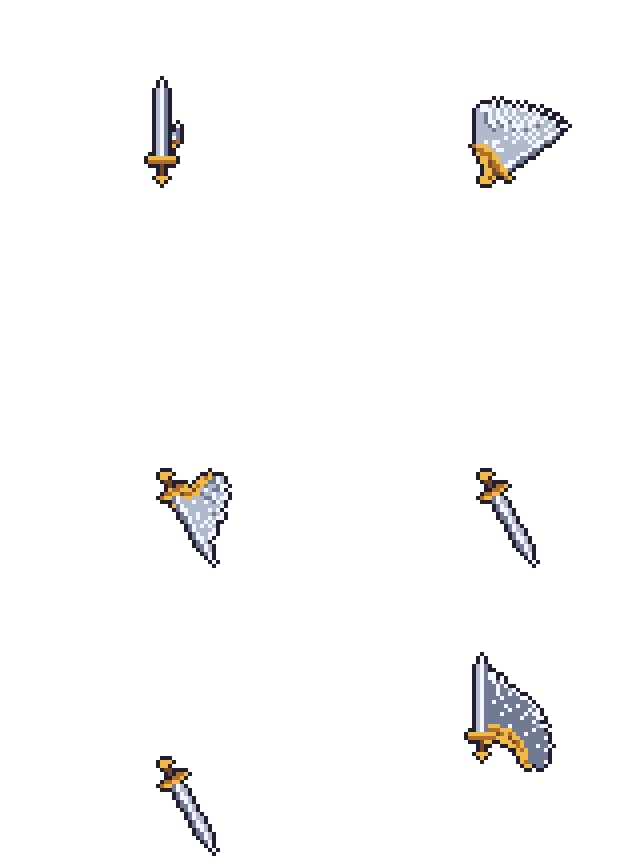
Smear
Fast moves leave a trail of the sprite behind them, like a drawn smear frame.

Shockwave
A ring that pushes pixels outward as it grows.

Heat haze
Rows ripple on a slow shimmer, for heat and magic.
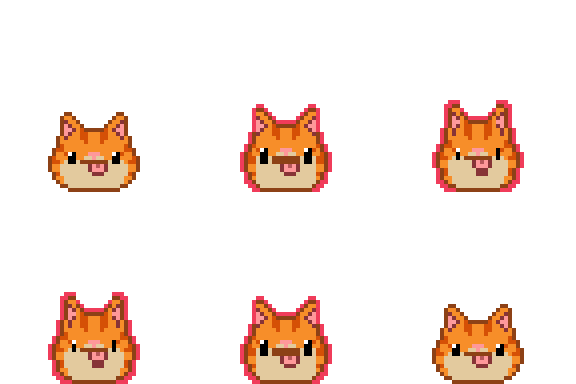
Radial split
Colors pulled toward and away from the middle, like a lens.
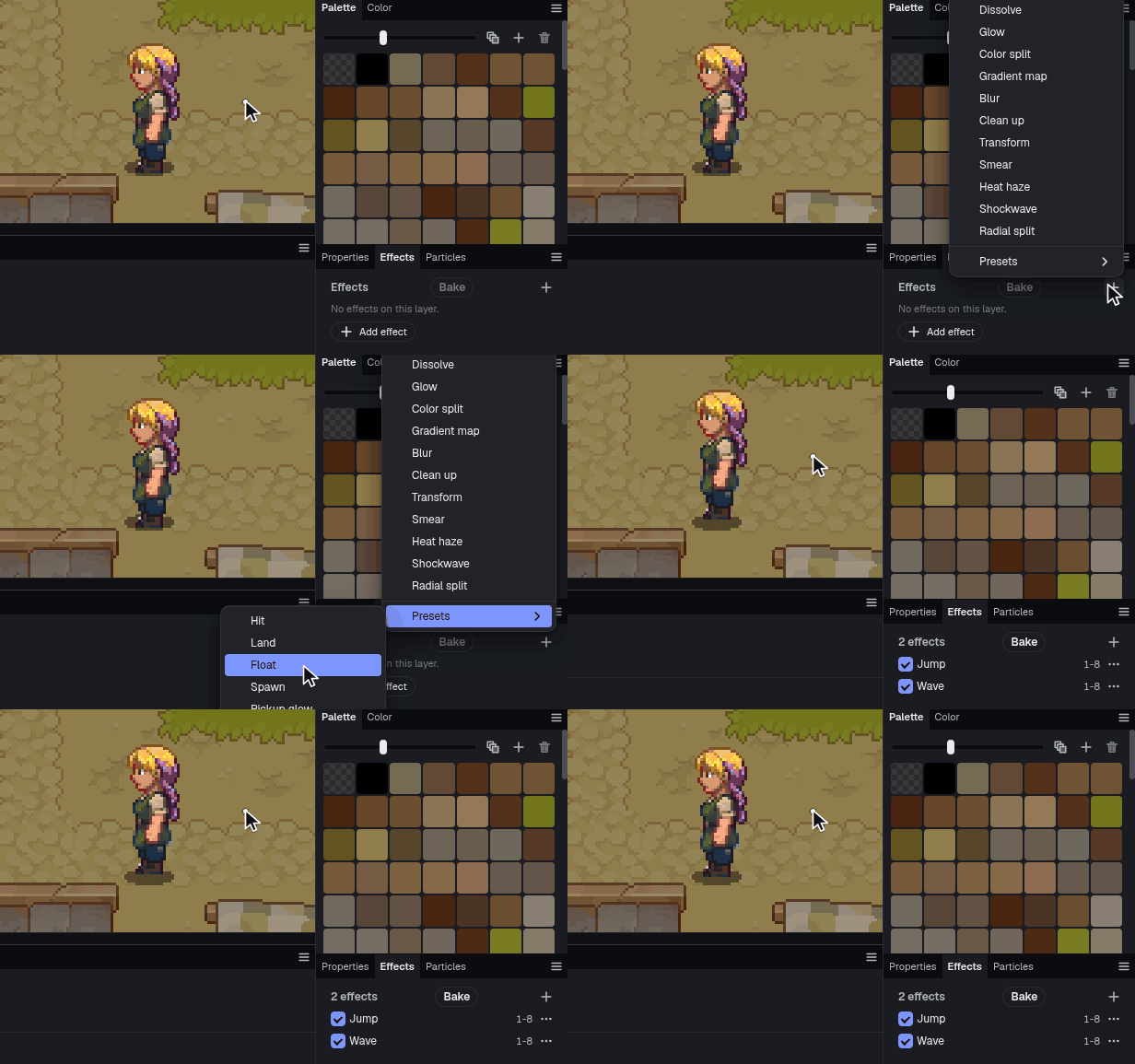
Effect presets
Hit, land, float, spawn and pickup glow to start from, or save your own.
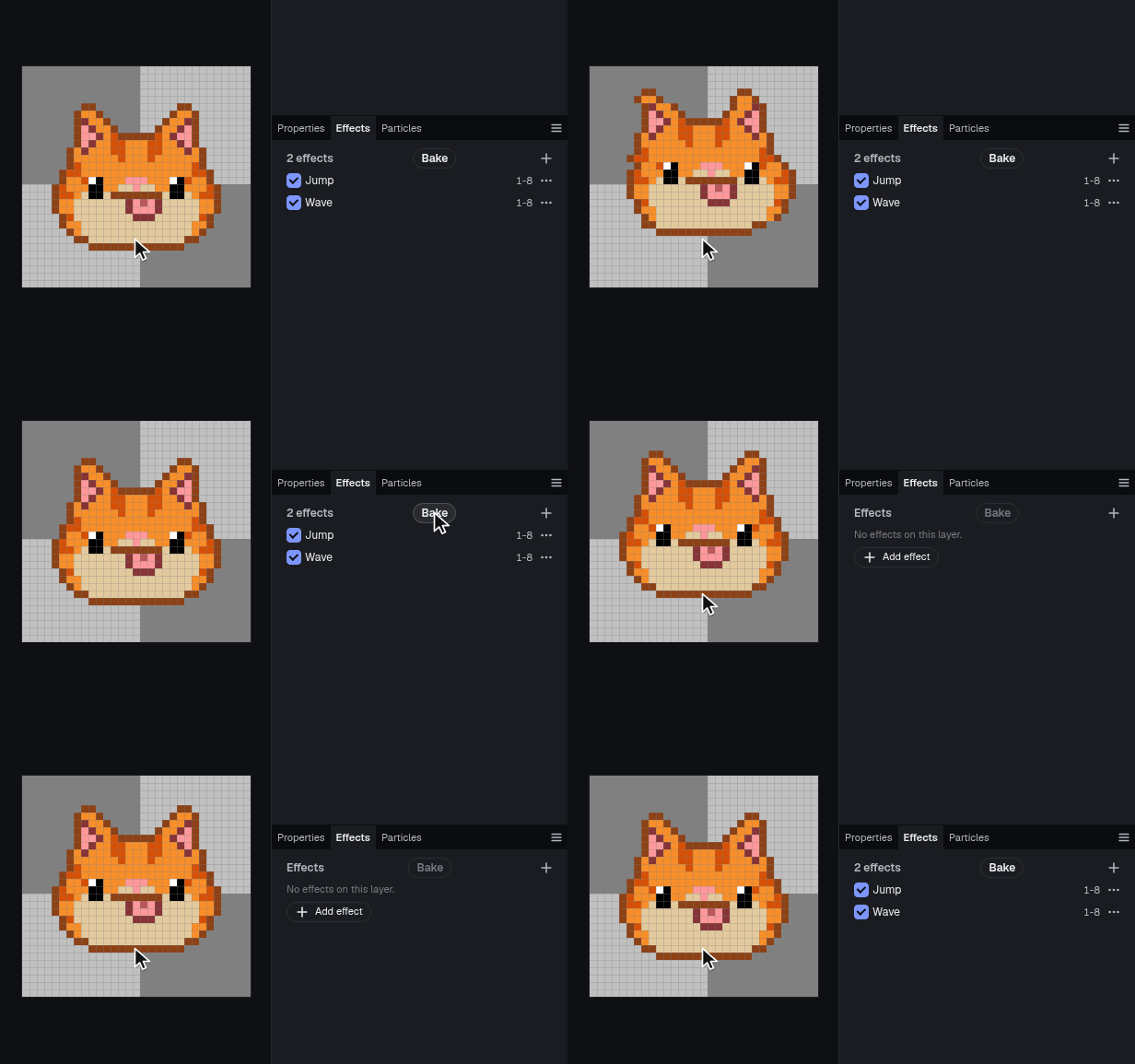
Bake
Turns the covered frames into plain cels in one undo step.
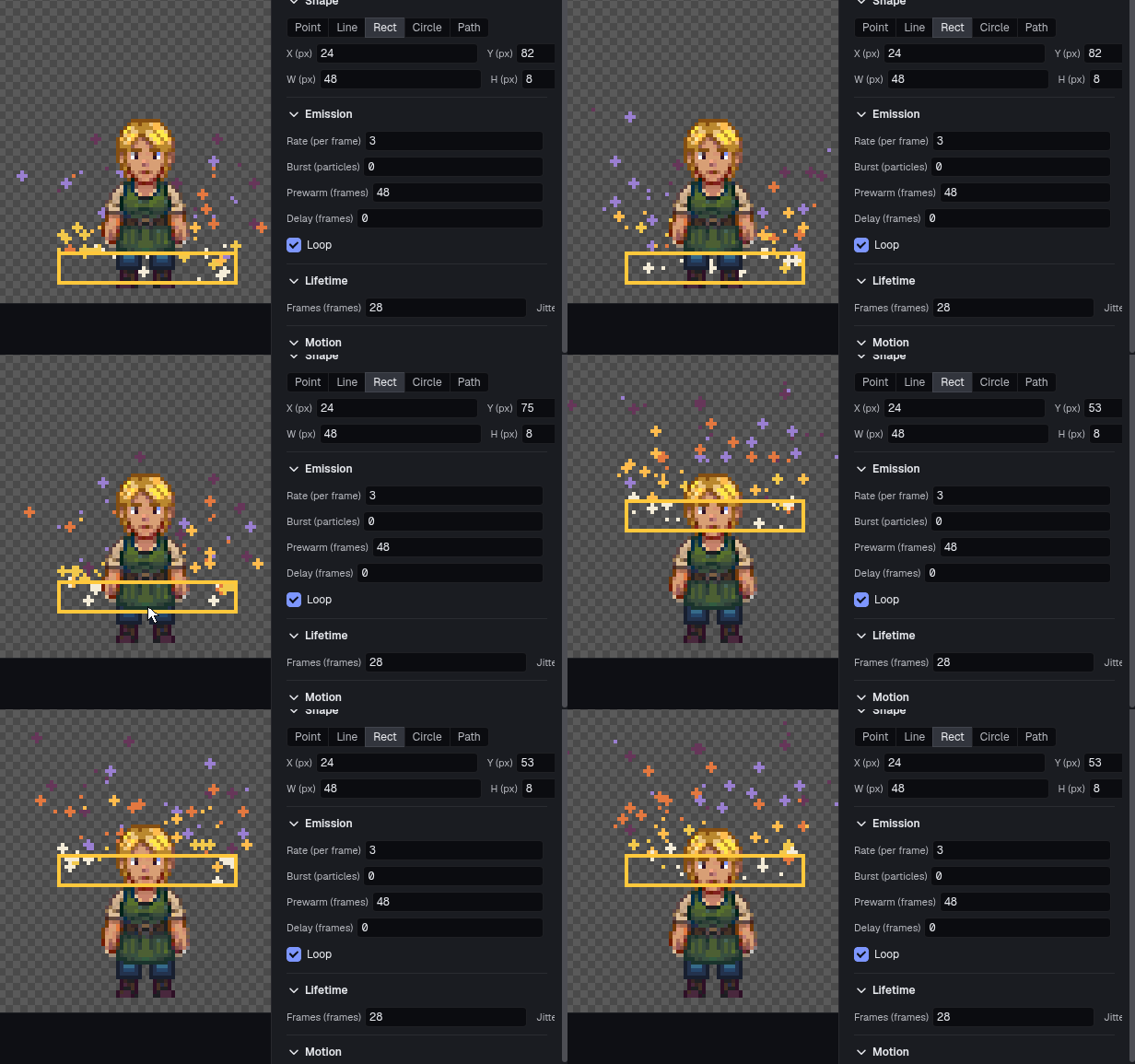
Particle layers
An emitter with rate, life, angle, spread, speed, gravity, wind, drag, turbulence and bounce.
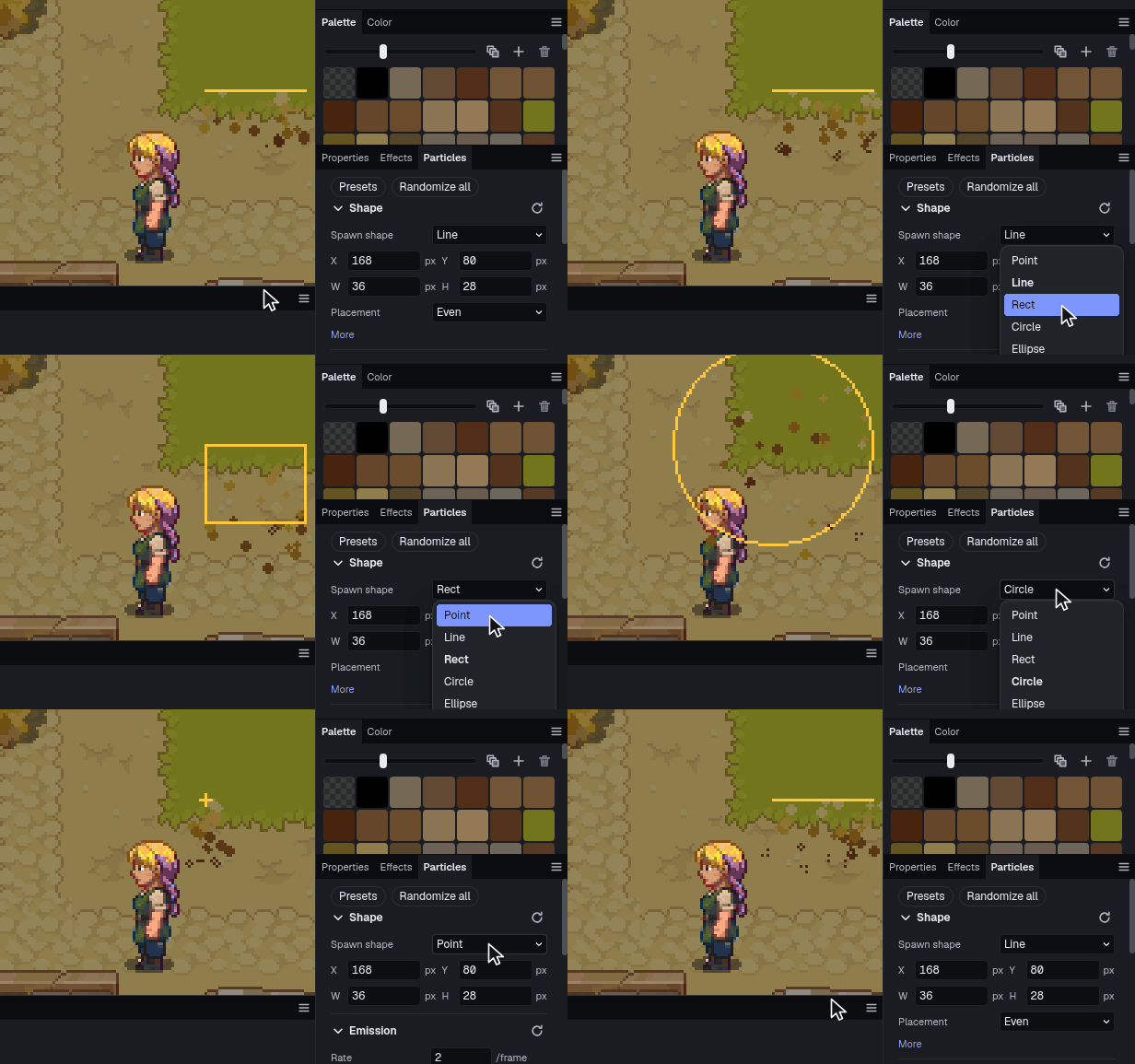
Emitter shapes
A point, a line, a box, a circle or a path you draw.
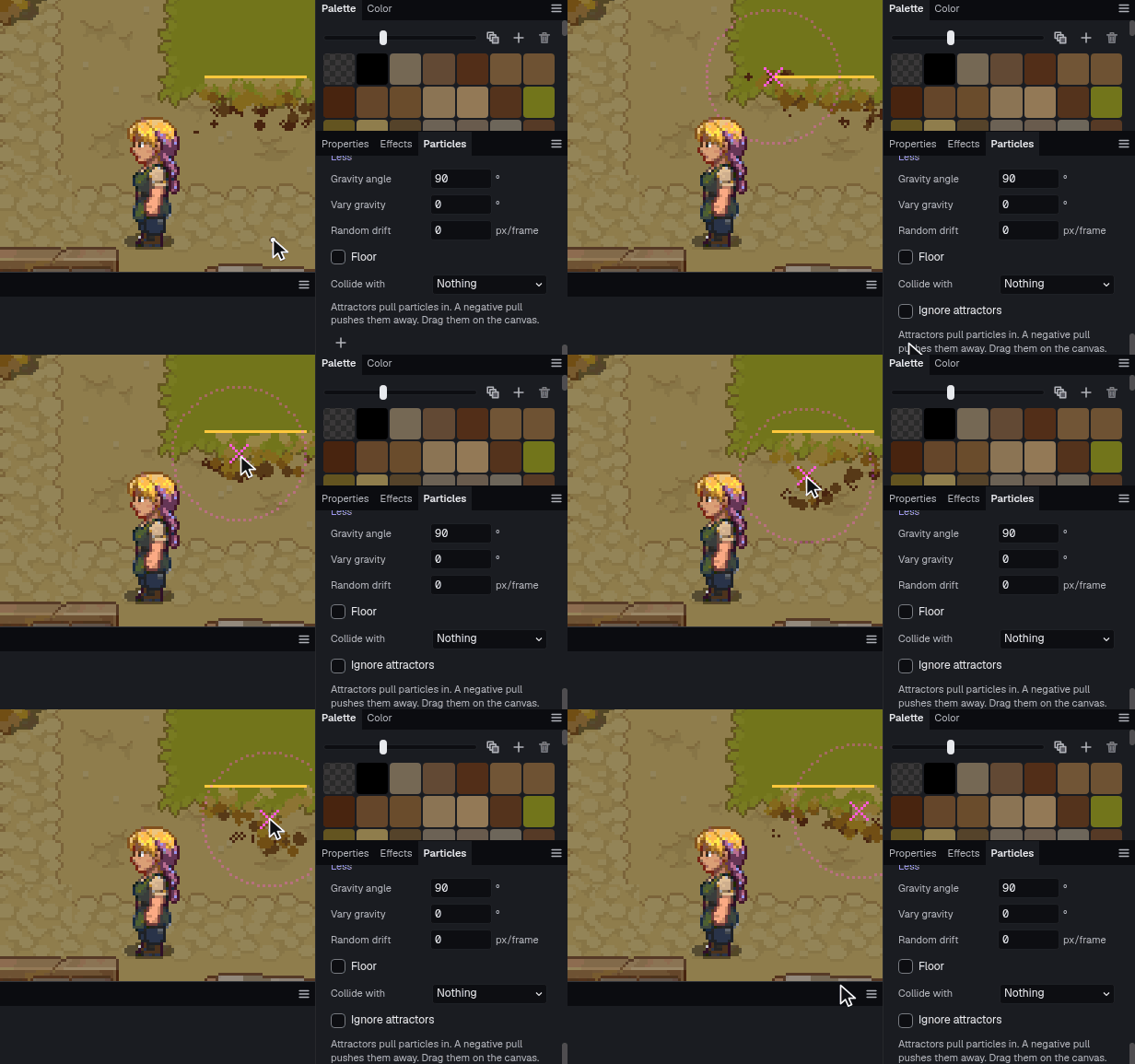
Attractors
Up to eight that pull particles in or push them away.
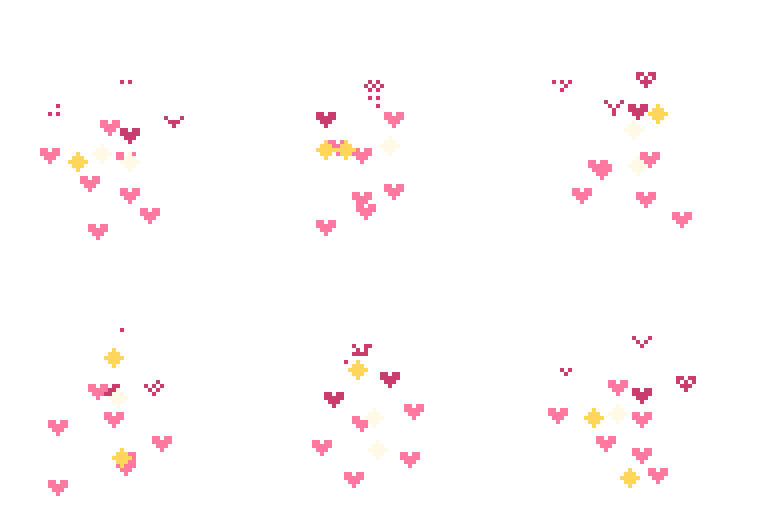
Your own shapes
Particles can be shapes you draw, with spin and trails of copies.

Collisions
Particles hit a layer's pixels and stop, bounce or stick, with a splash where they land.

Clean loops
Loop over the sprite's frames, or play once. The same seed gives the same particles.
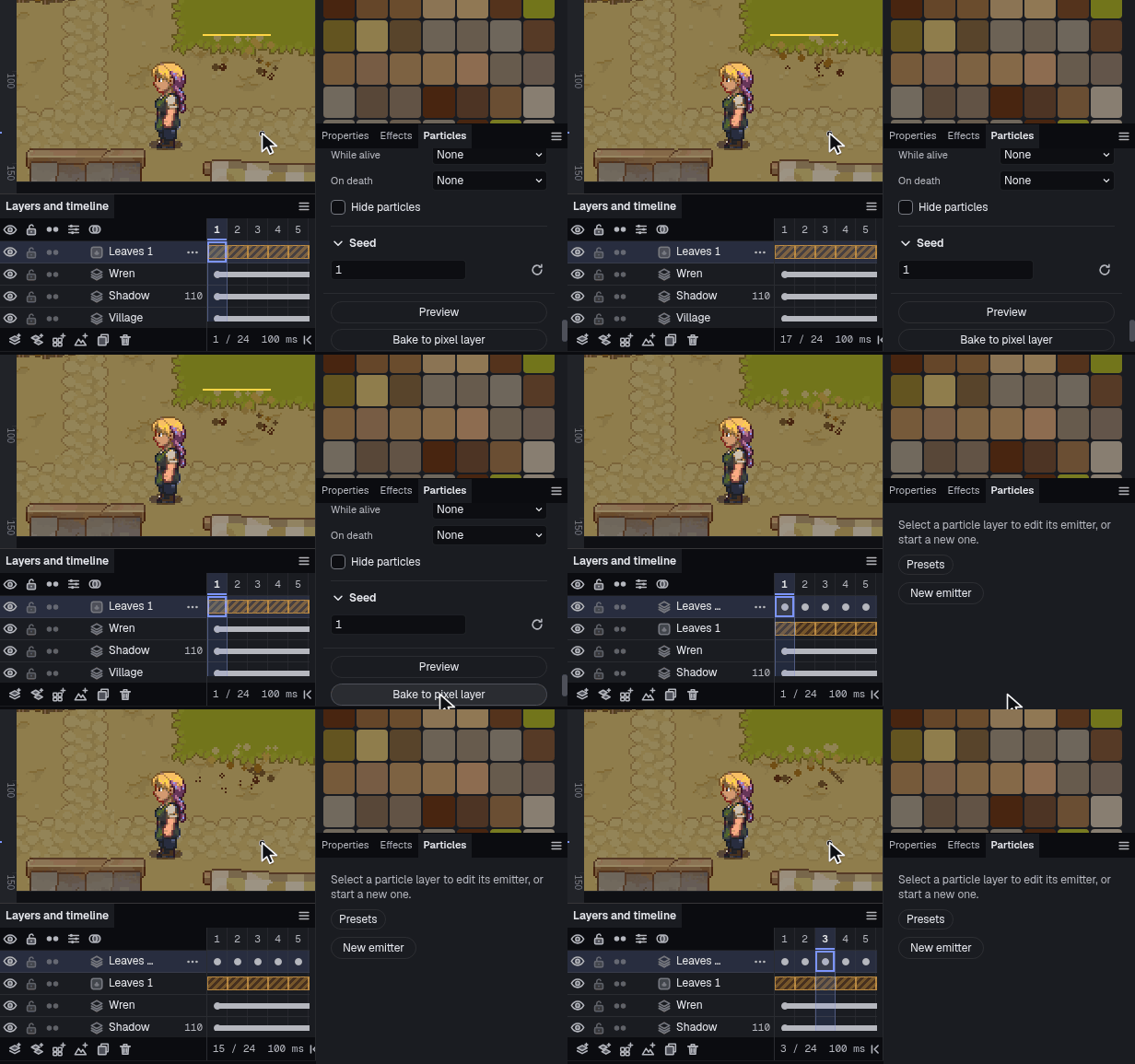
Bake to pixels
Dither to the palette and bake to a pixel layer, one cel per frame.


Made with particles
A few emitters each, nothing drawn frame by frame. Every one of these is a document you can open and change.
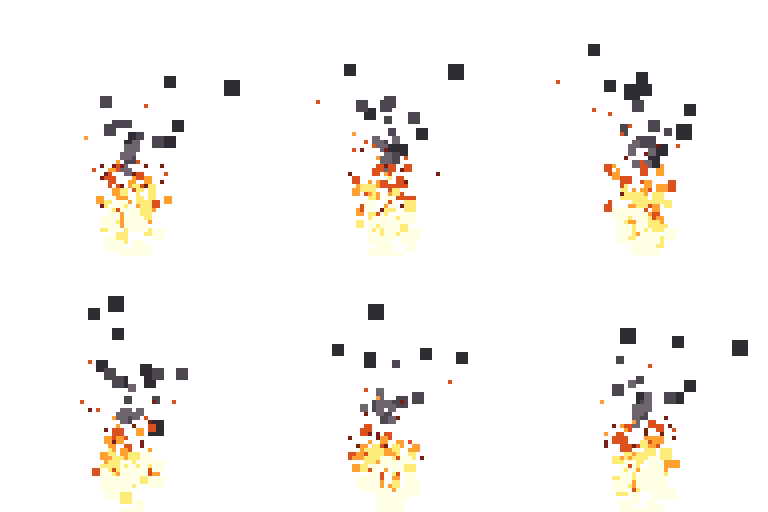
Fire
Three emitters: flames from a small circle, embers, and smoke rising above them.
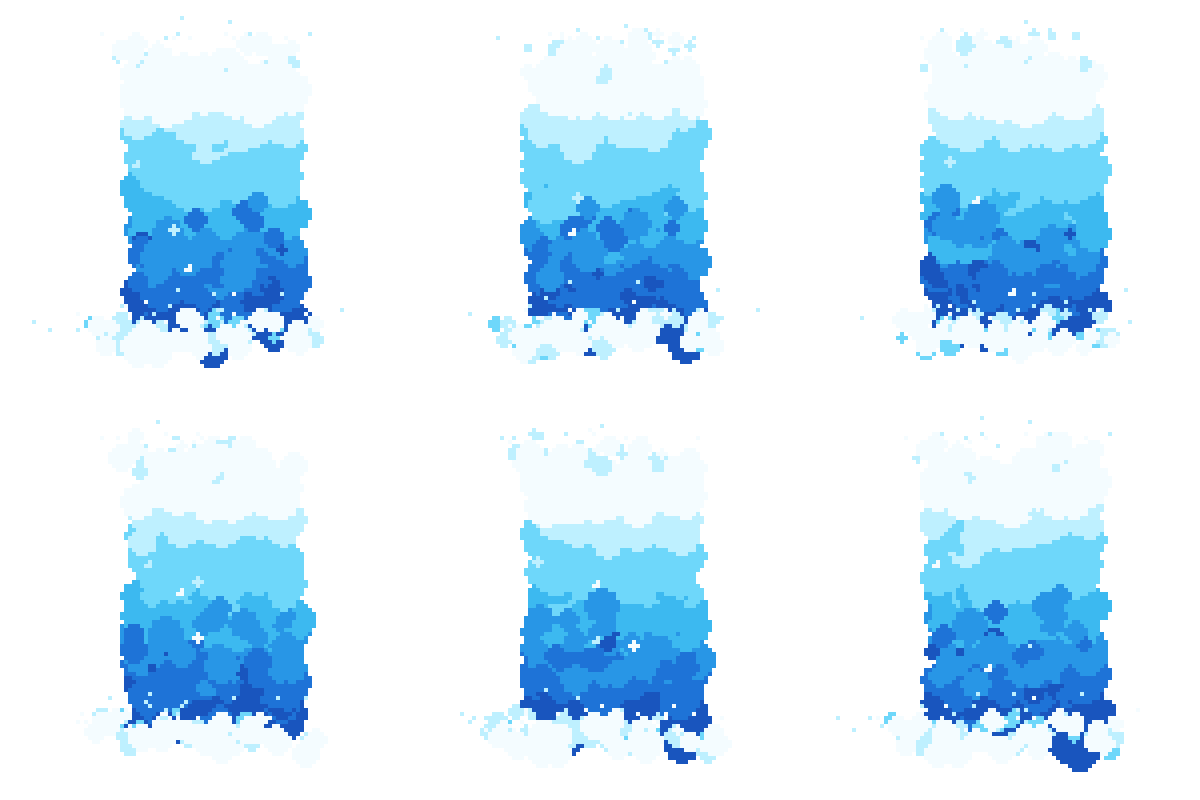
Waterfall
Seven emitters and no hand-drawn frames: blobs that darken as they fall, foam at the lip and the base, twinkles on the sheet, and spray.
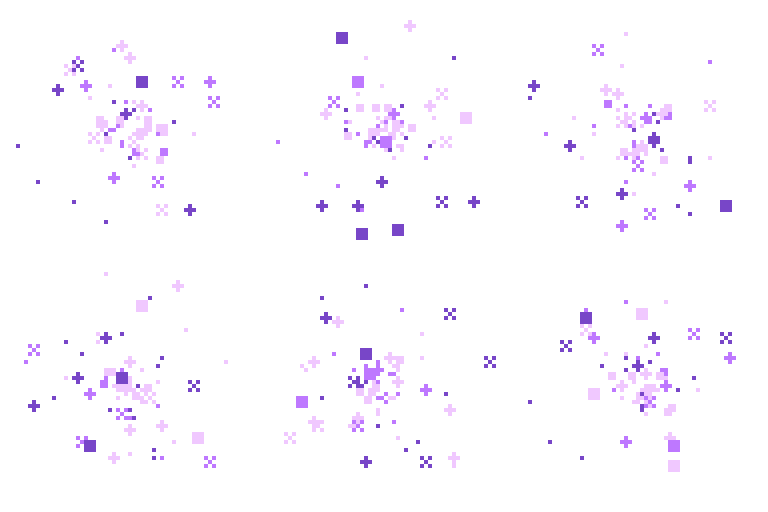
Magic
Sparkles drawn into an orb by an attractor, spinning plus shapes drawn by hand.

Attack
A one-shot slash along an arc with trails, and an impact burst a few frames later.
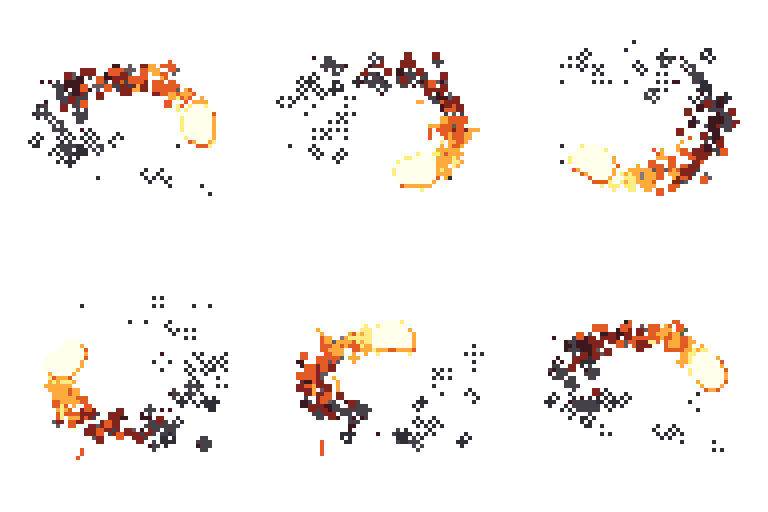
Fireball
A lit blob core circling on a track, flames and a fading smoke trail left behind it, sparks stretched by their speed.

Slime
Blob particles merged into one lit, shaded body with a shadow, and eyes on a layer above.


32 presets to start from
Fire, smoke, magic, weather, impacts, nature, liquids and UI. Pick one from the browser, then change anything after. Eight of them:
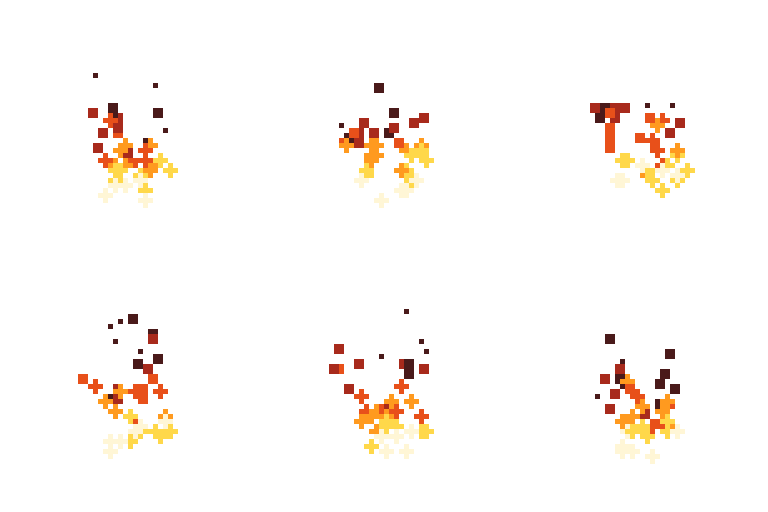
Campfire
Round flames that rise and sway, dithering away at the top.

Explosion
One burst of round particles that brighten where they overlap.
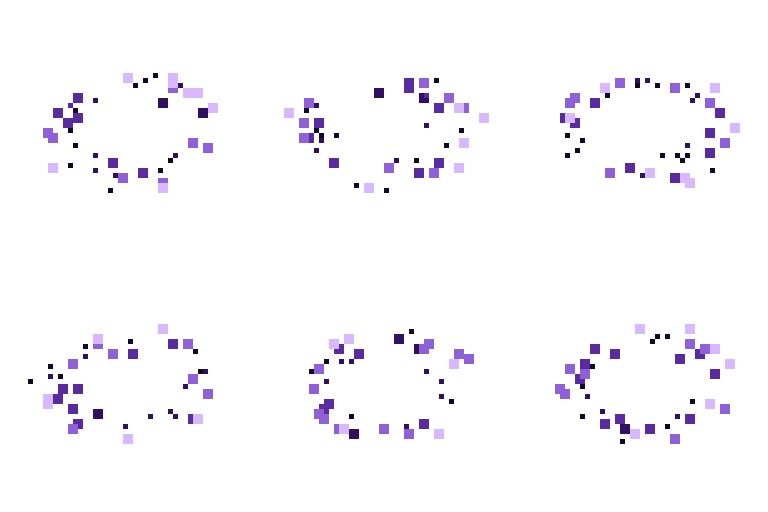
Portal
Particles drawn in from a ring laid flat on the ground, curling as they go.
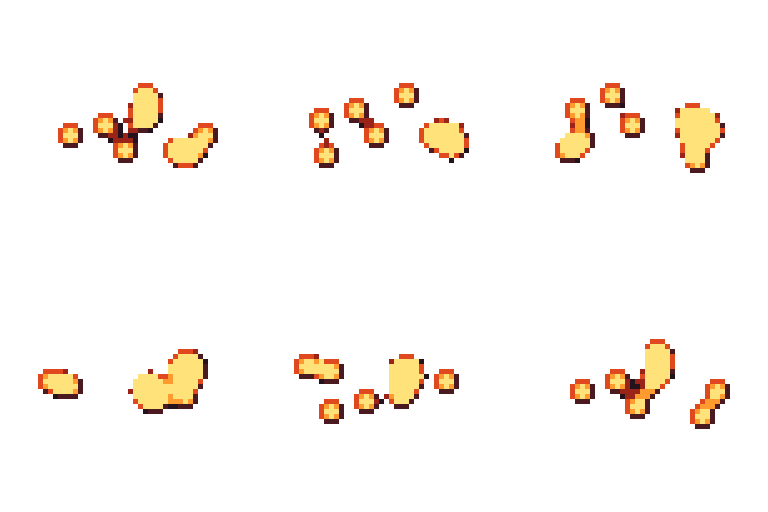
Lava
Particles that merge into lit blobs as they rise.
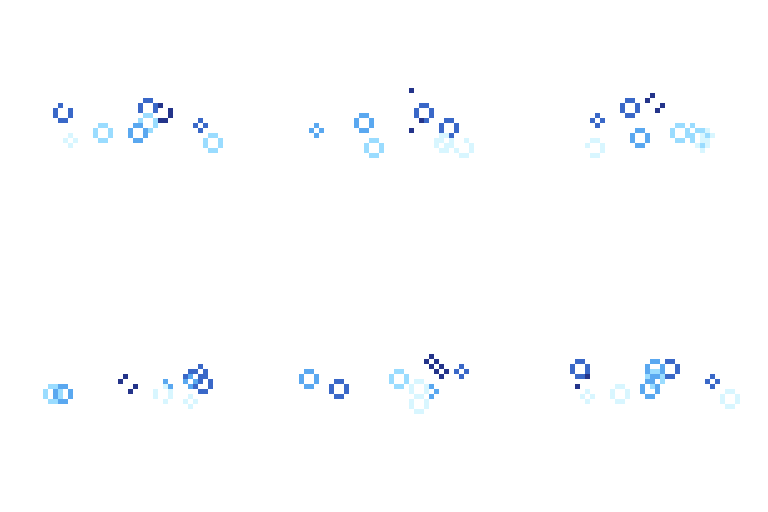
Bubbles
Rings rising and wobbling side to side.
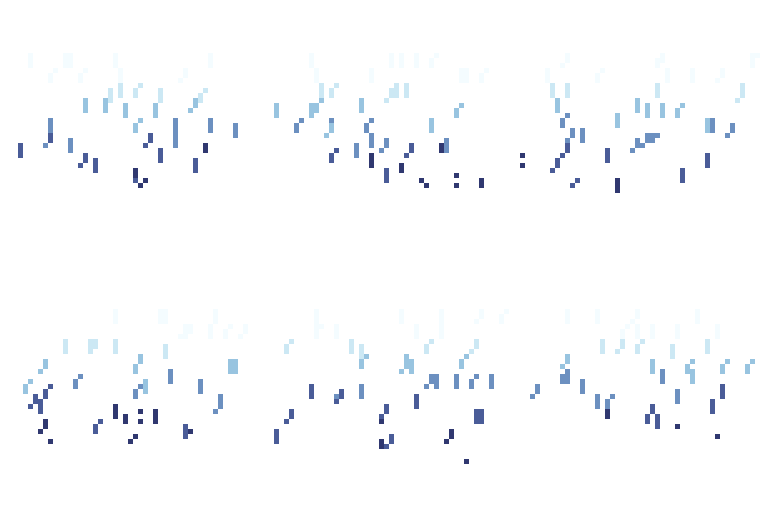
Rain
Streaks falling at a slight angle.
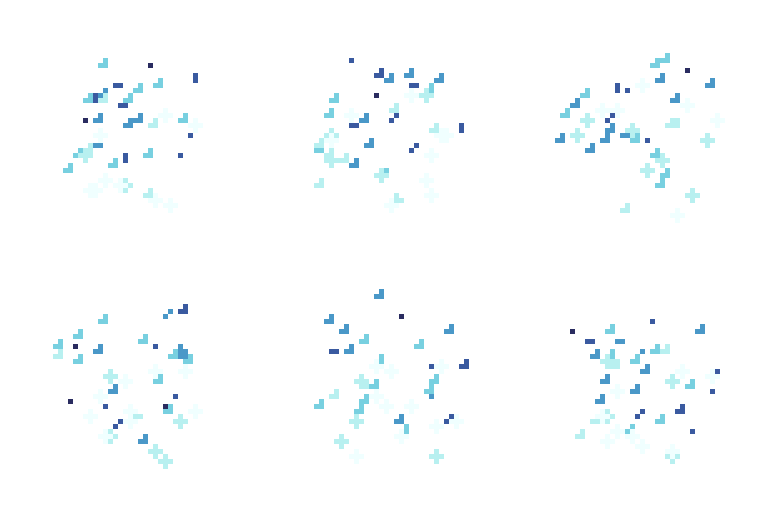
Aura
Plus-shaped sparkles that orbit as they rise.

Spell burst
A star of plus shapes that pops into smaller sparks.


Tilemaps
Build the level in the same file as the art, so a tile you redraw shows up on the map straight away. A tilemap layer draws from a tileset. Edit a tile and every copy of it on the map updates, or let each edit make a new tile and keep the original.
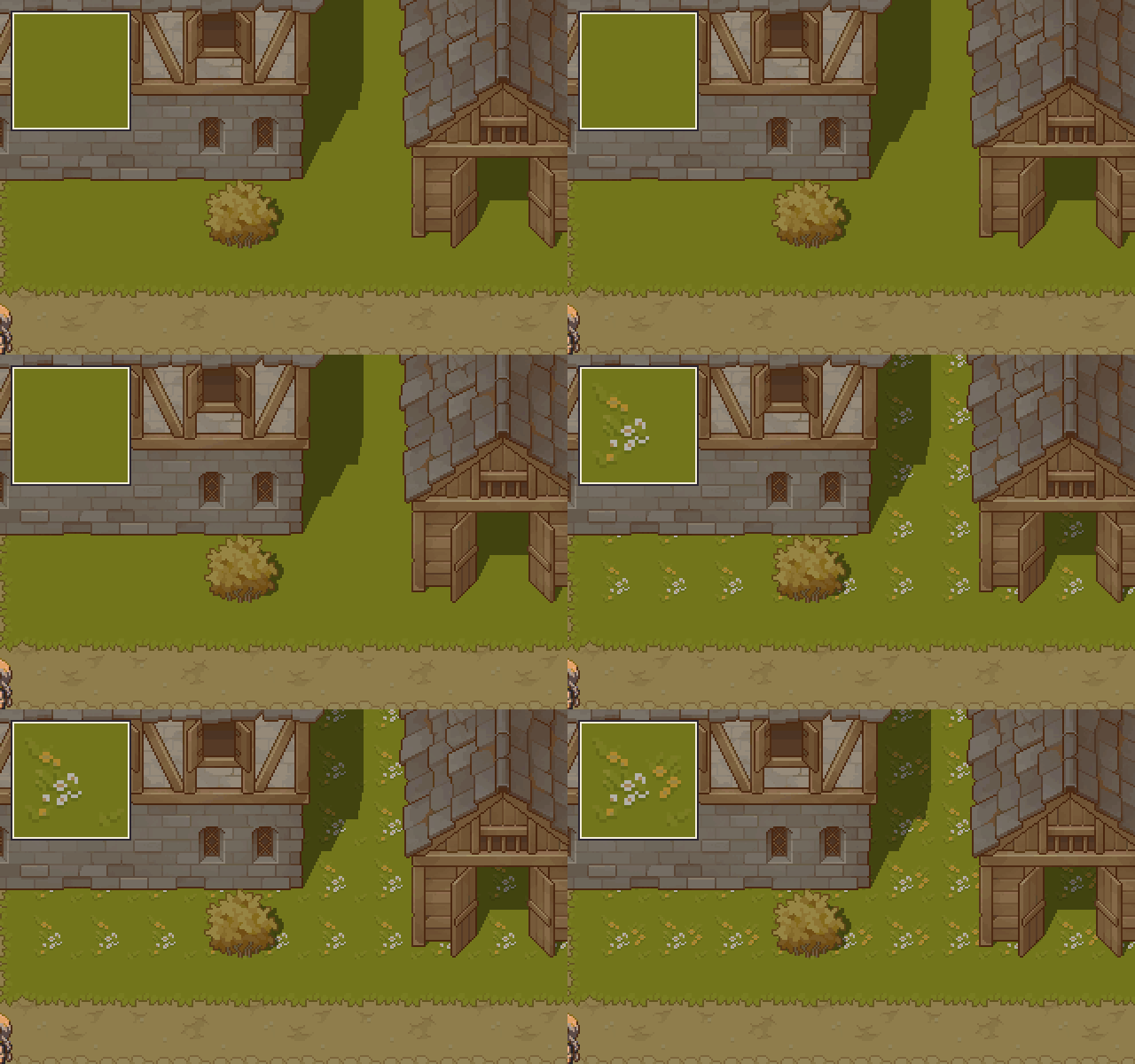
Edit one tile, update the map
Every copy of the tile changes with it.
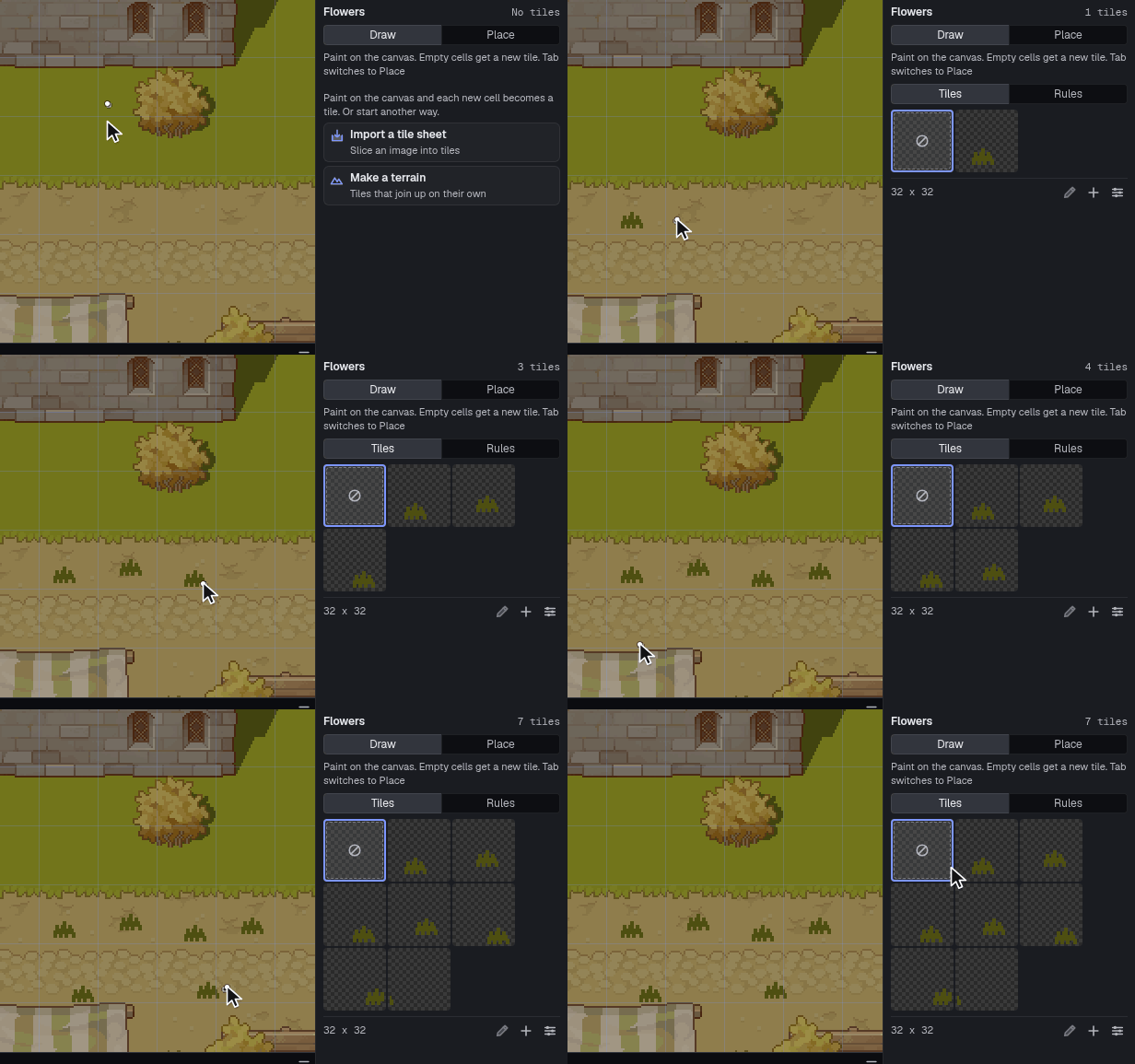
Draw straight into tiles
Each new cell becomes a tile as you paint.
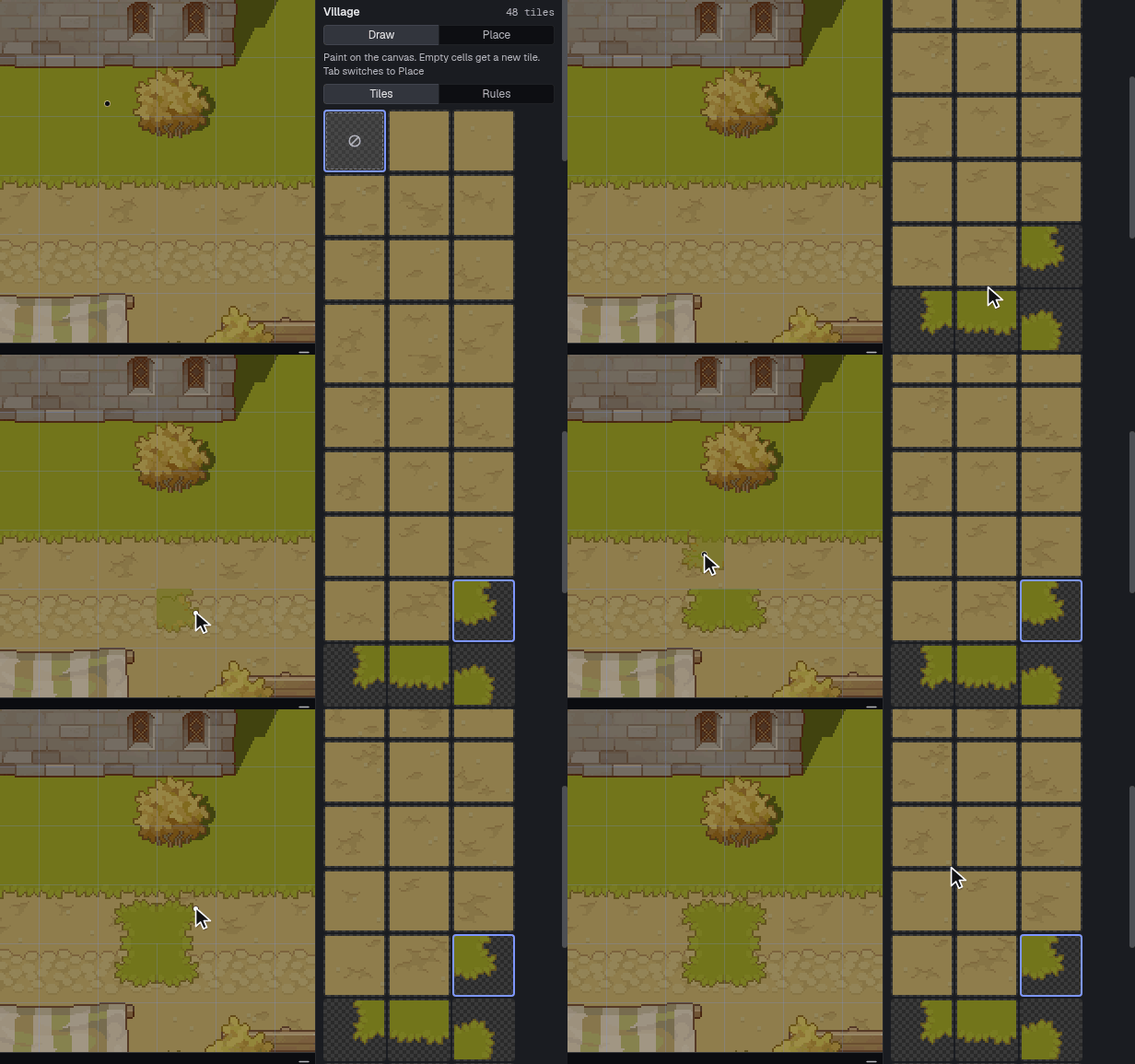
Place and flip
Pick tiles from the tileset panel and flip them as you go.
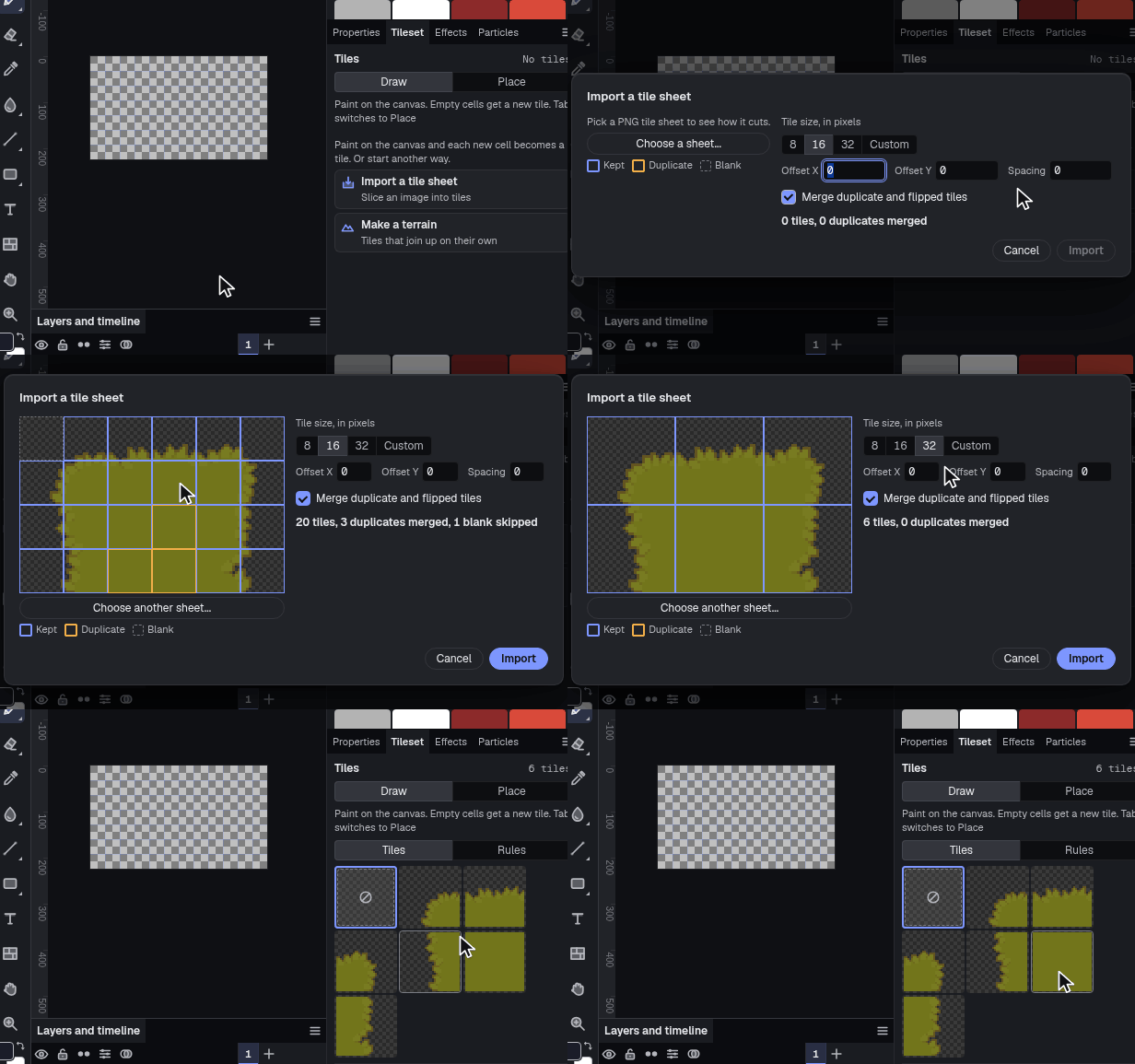
Import a tile sheet
Tilesets import and export as PNG.
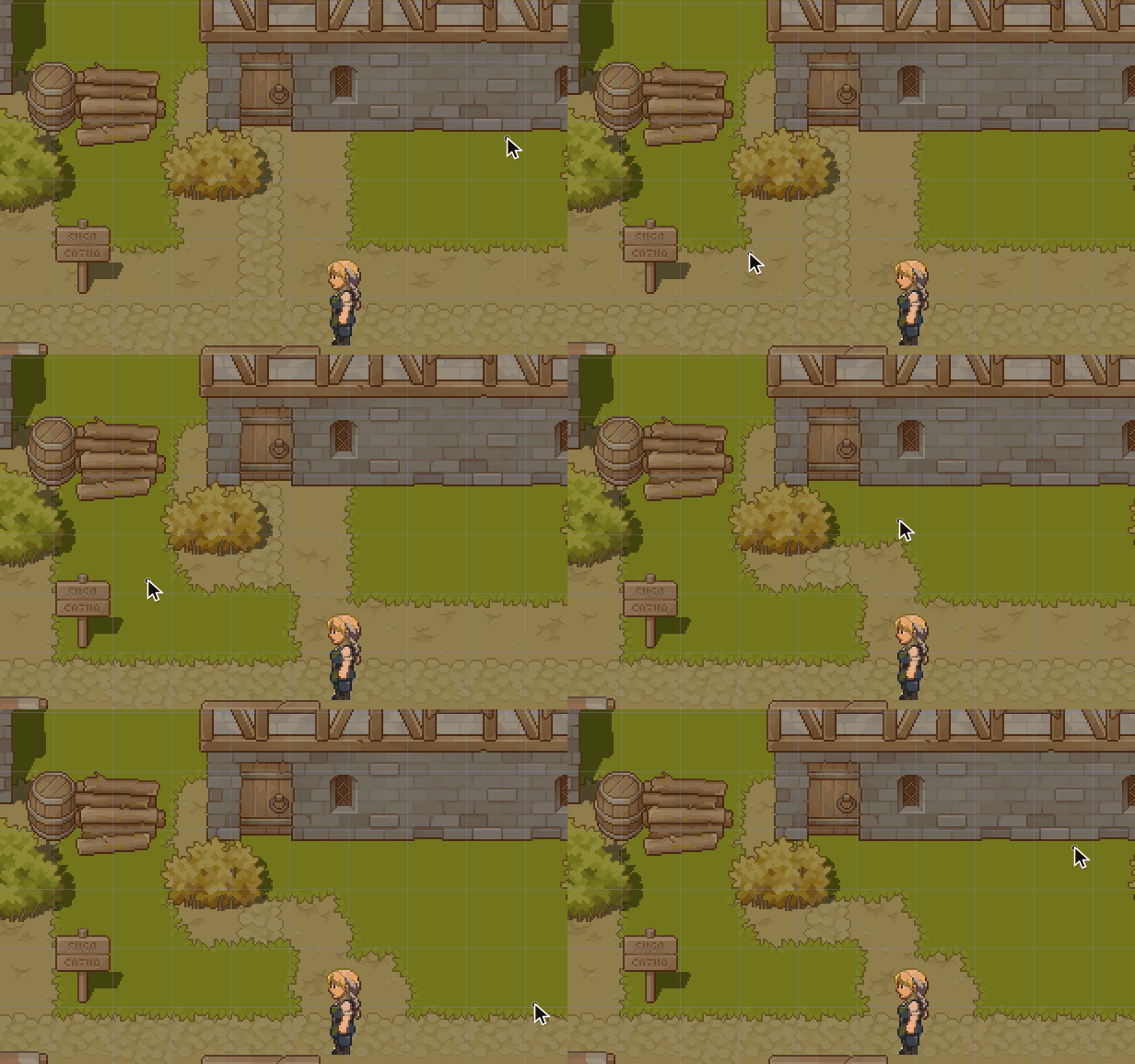
Terrain layers
Paint grass and the edges and corners sort themselves out as you drag. The cell under the cursor shows what you're about to paint.
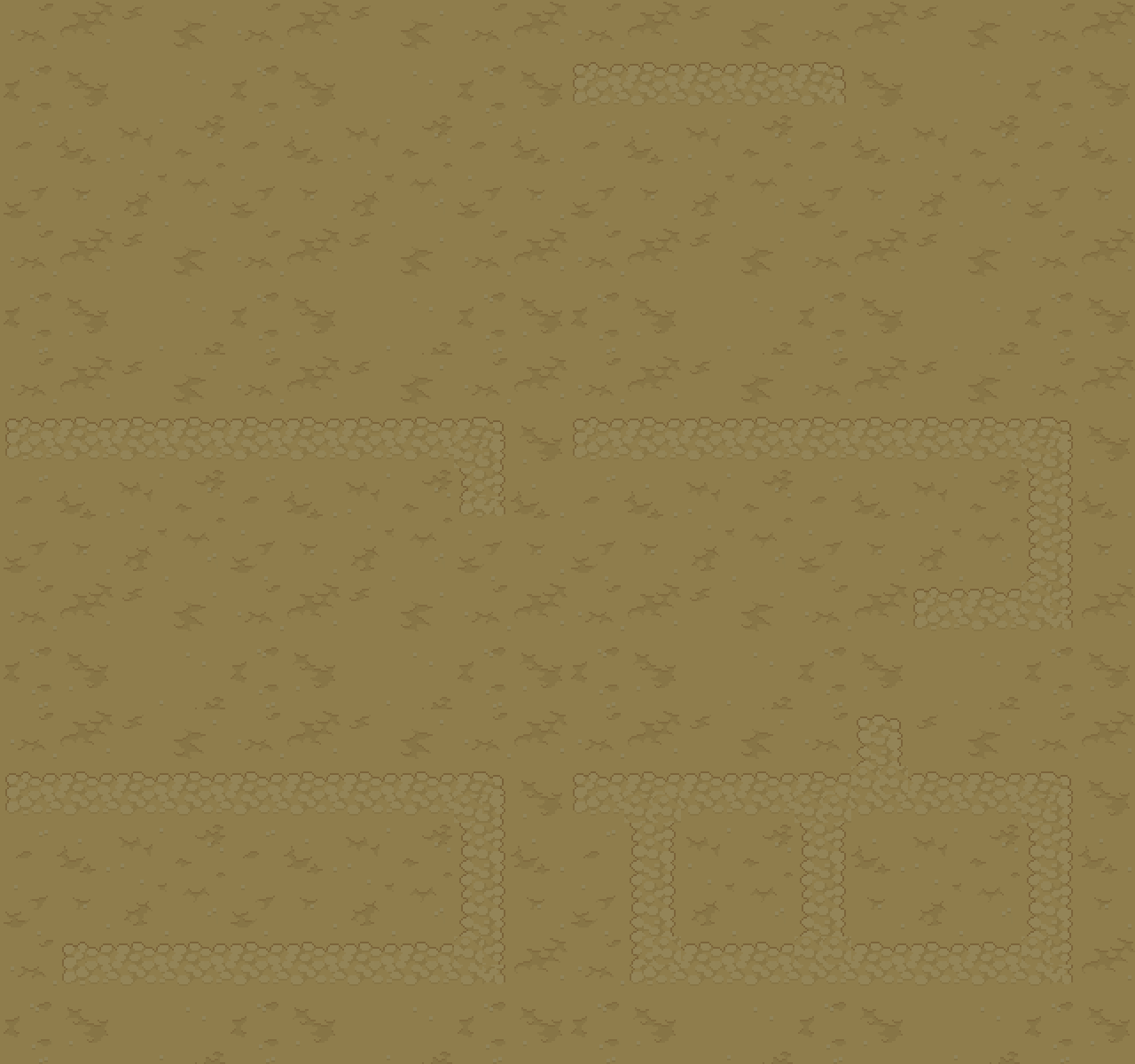
Match sides, 16 tiles
One tile per combination of the four sides, from a template.
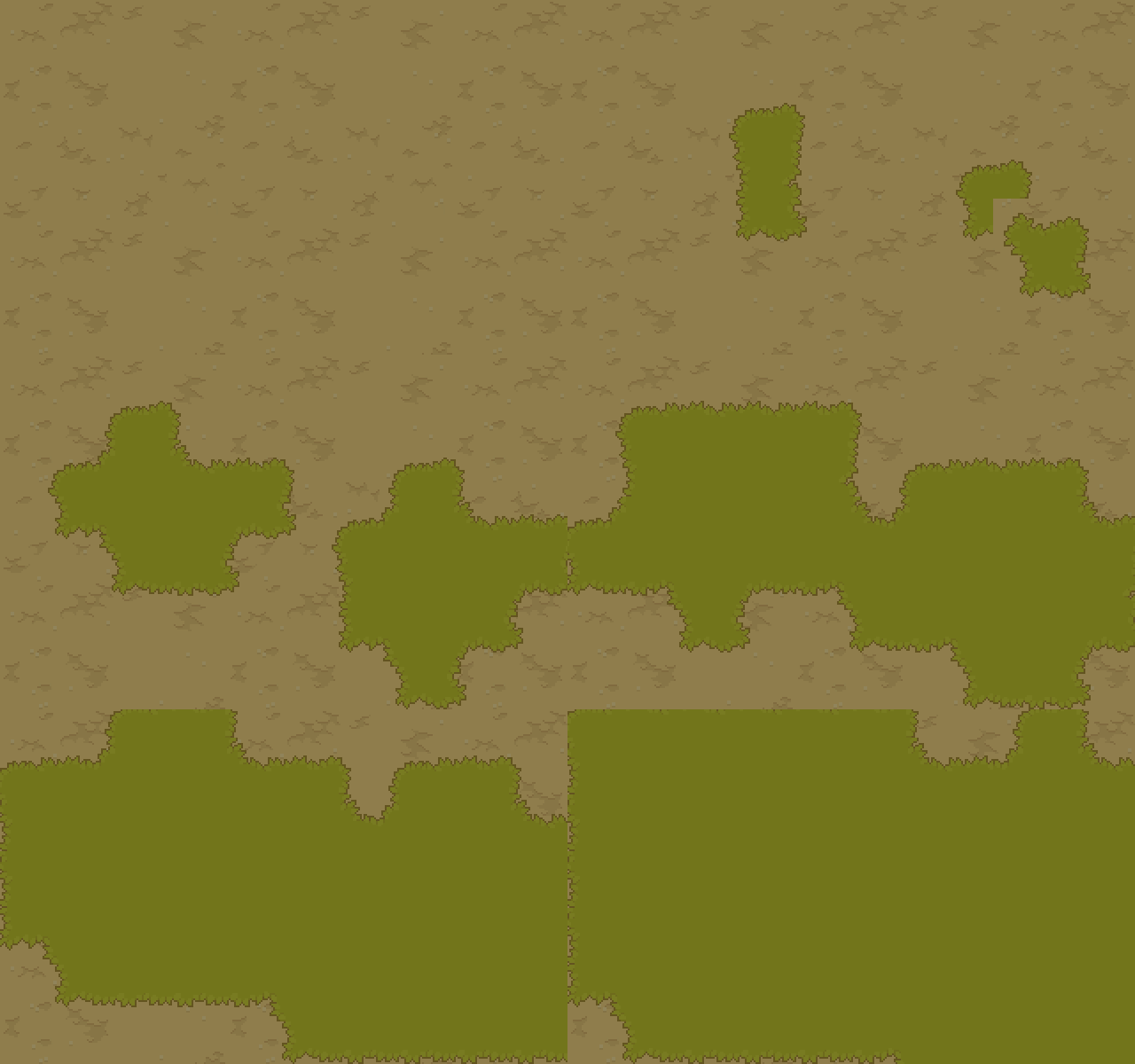
Dual grid, 15 tiles
Tiles sit between cells, so slopes and thin paths come out of fewer tiles.
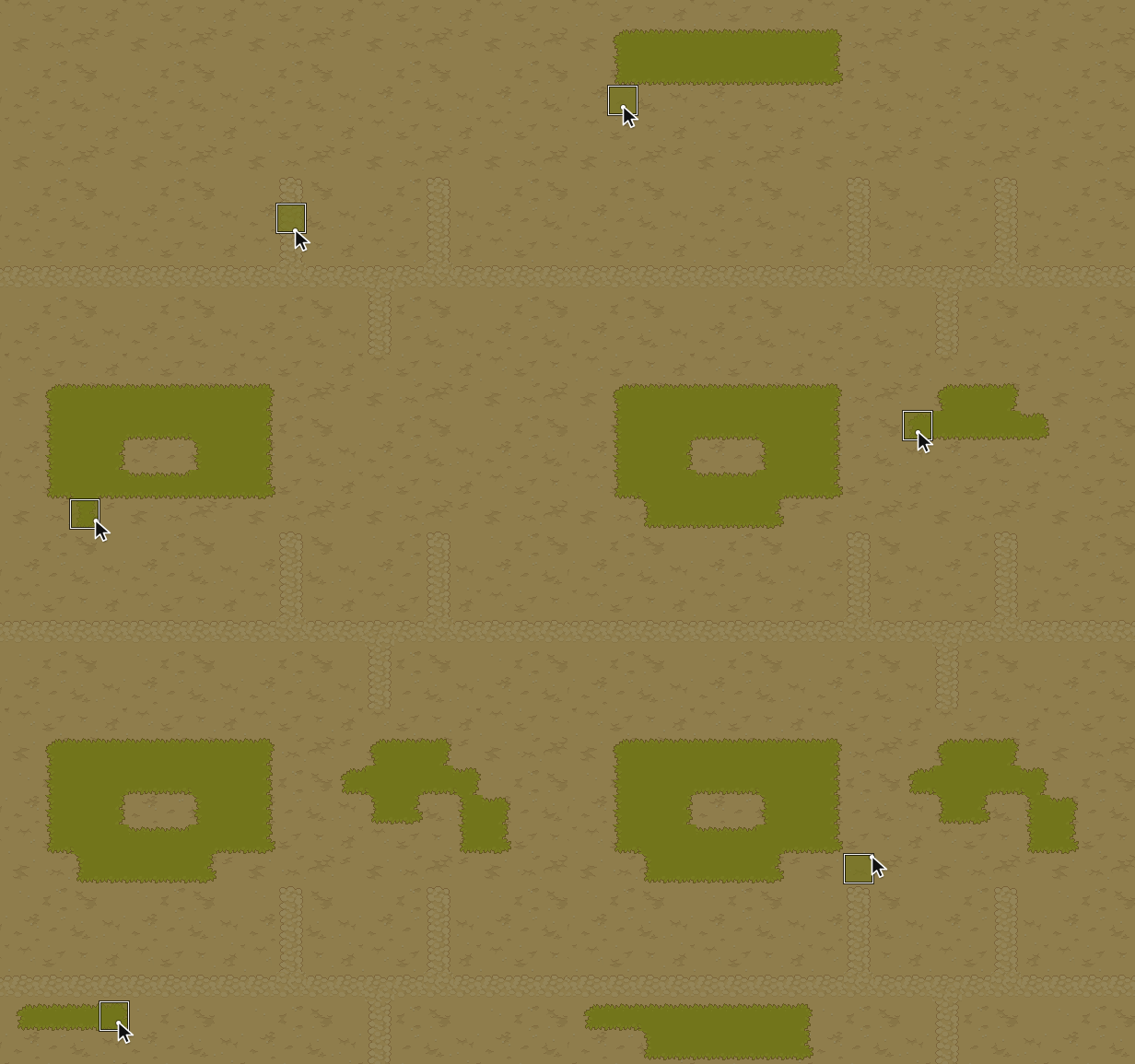
Blob, 47 tiles
Autotiling that checks all eight neighbors, so holes and inside corners get their own tiles.
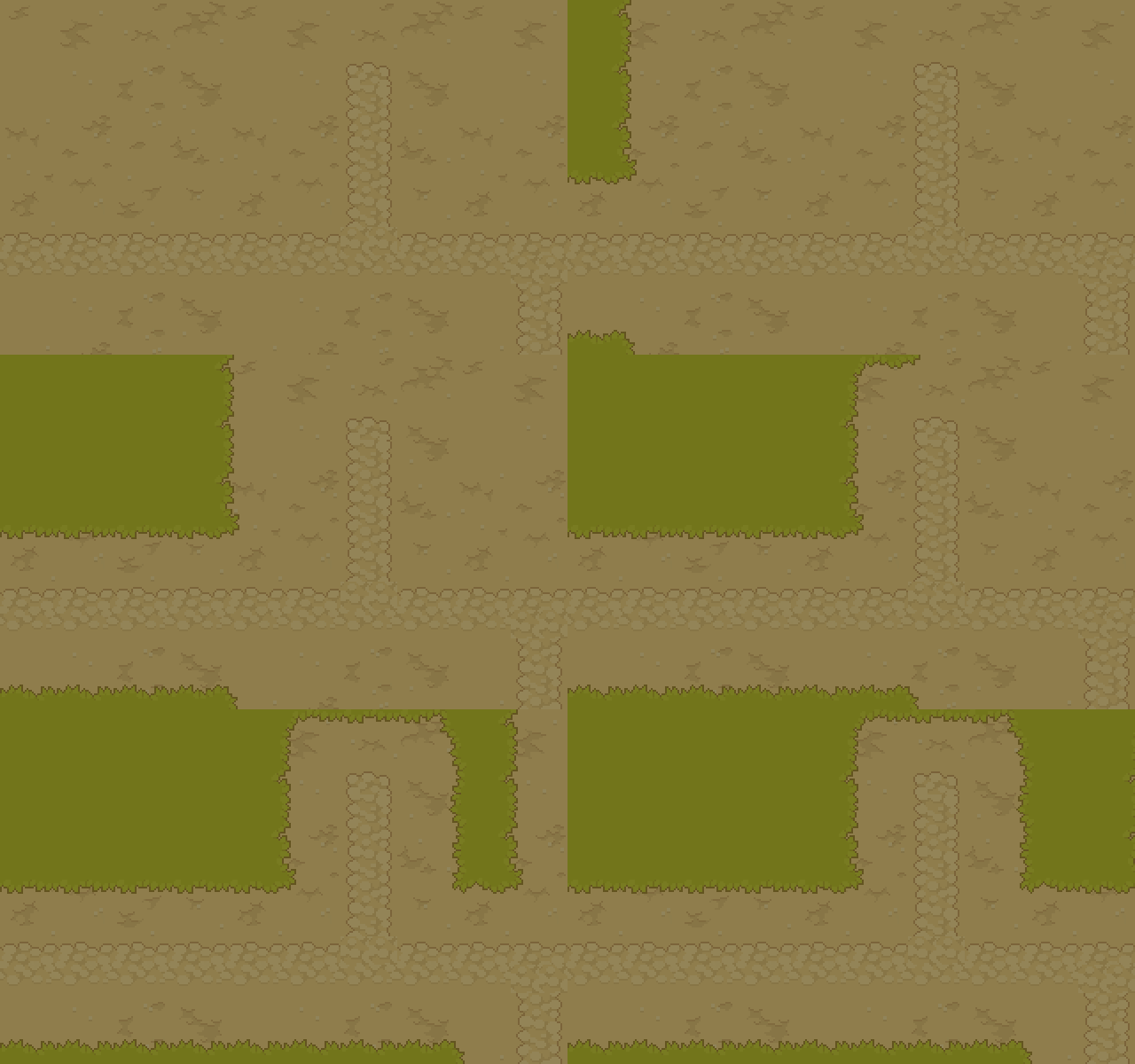
Terrains that overlap
Each terrain is its own layer and works out its own edges.
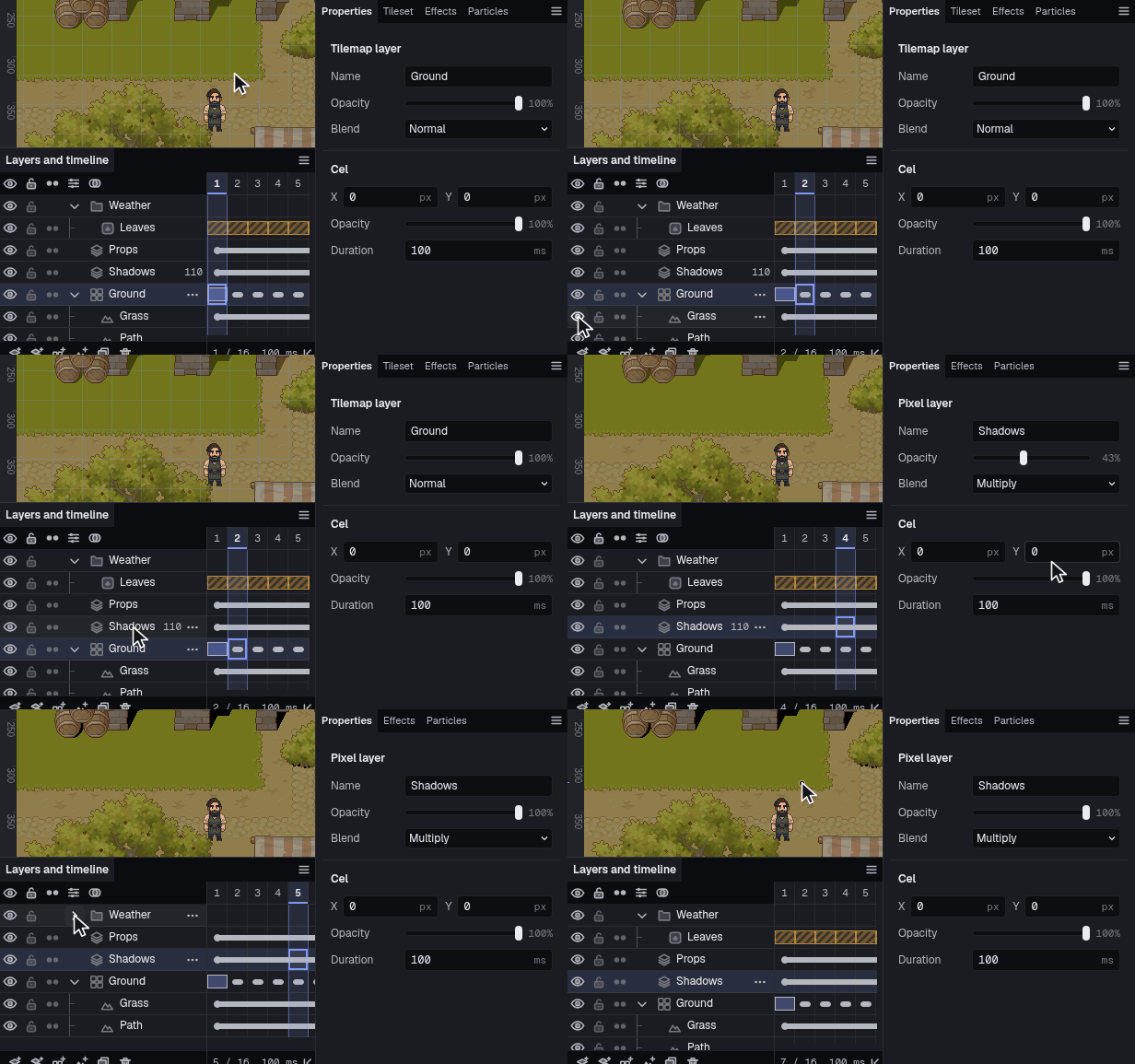
One layer list
Pixel, tilemap, terrain and particle layers together, with groups, blend modes and opacity.


Animation
Layers and frames share one timeline. Tags mark the loops, onion skin shows the frames around the current one, and effects sit on the same timeline as the drawing. Tweens move a cel's offset and opacity between keyframes, and slices such as hitboxes can change from frame to frame.
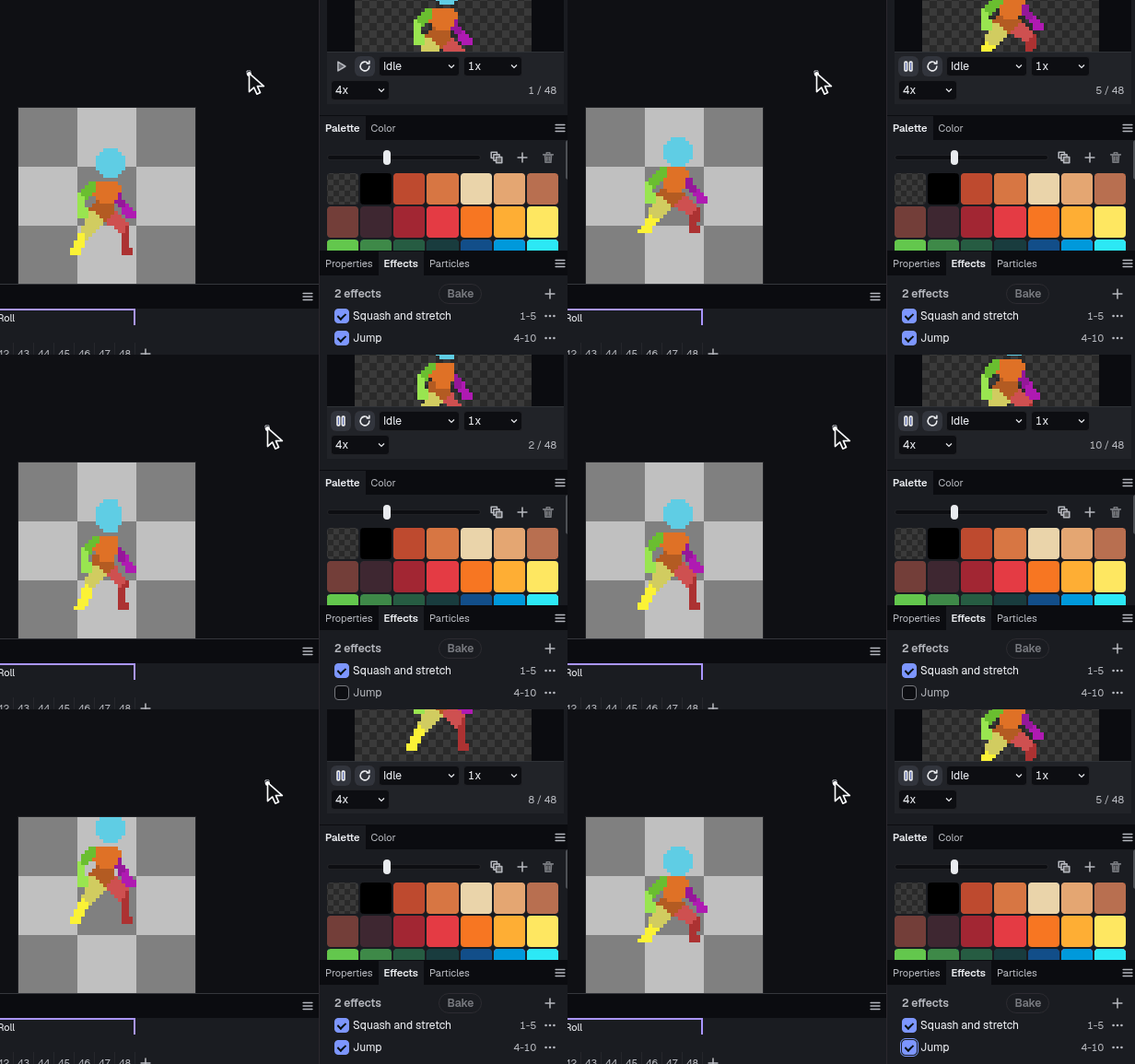
Effects on the timeline
Squash, jump and shake cover a range of frames without redrawing.
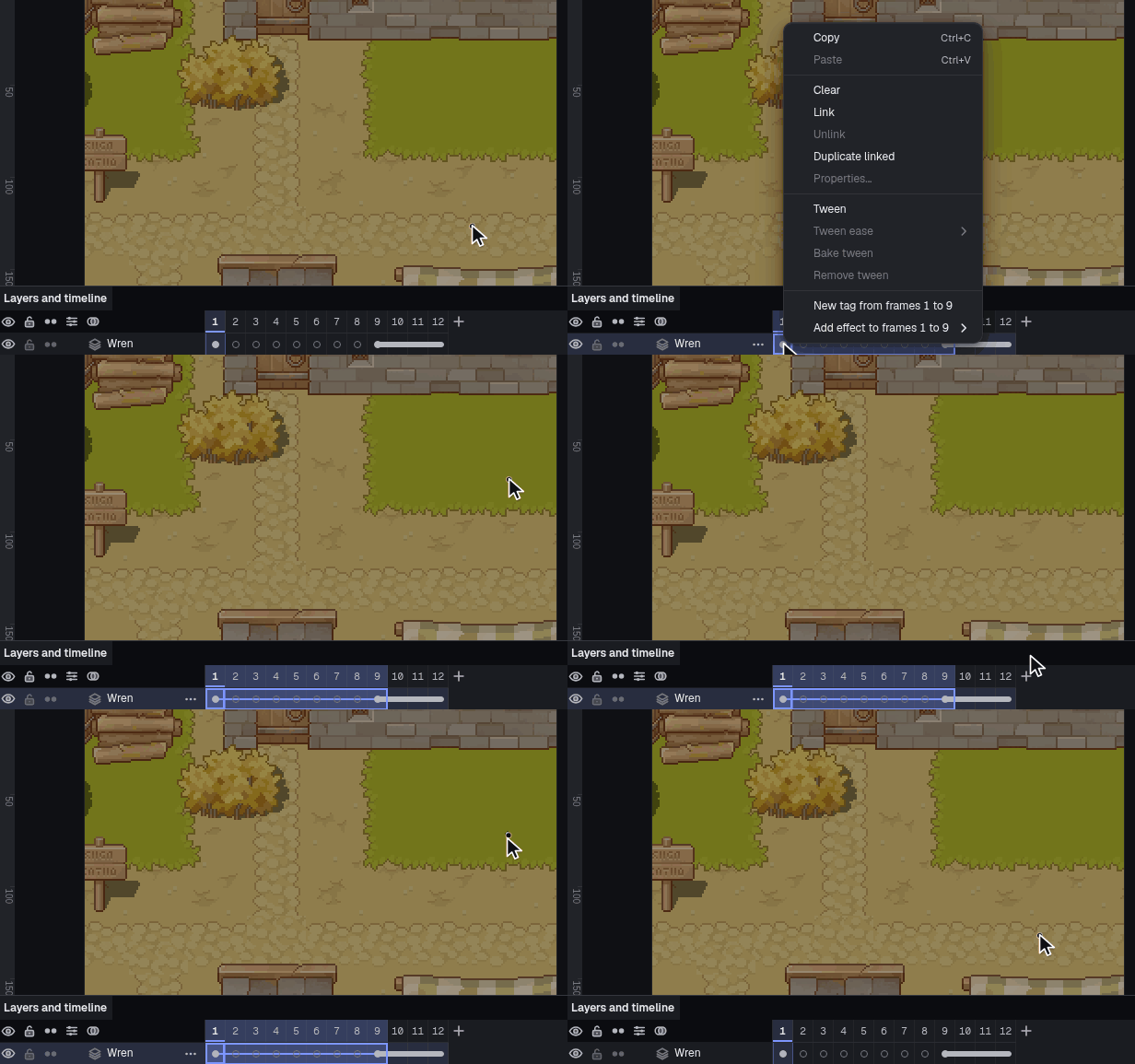
Tweened cels
Move and fade a cel between two keyframes, with an ease.
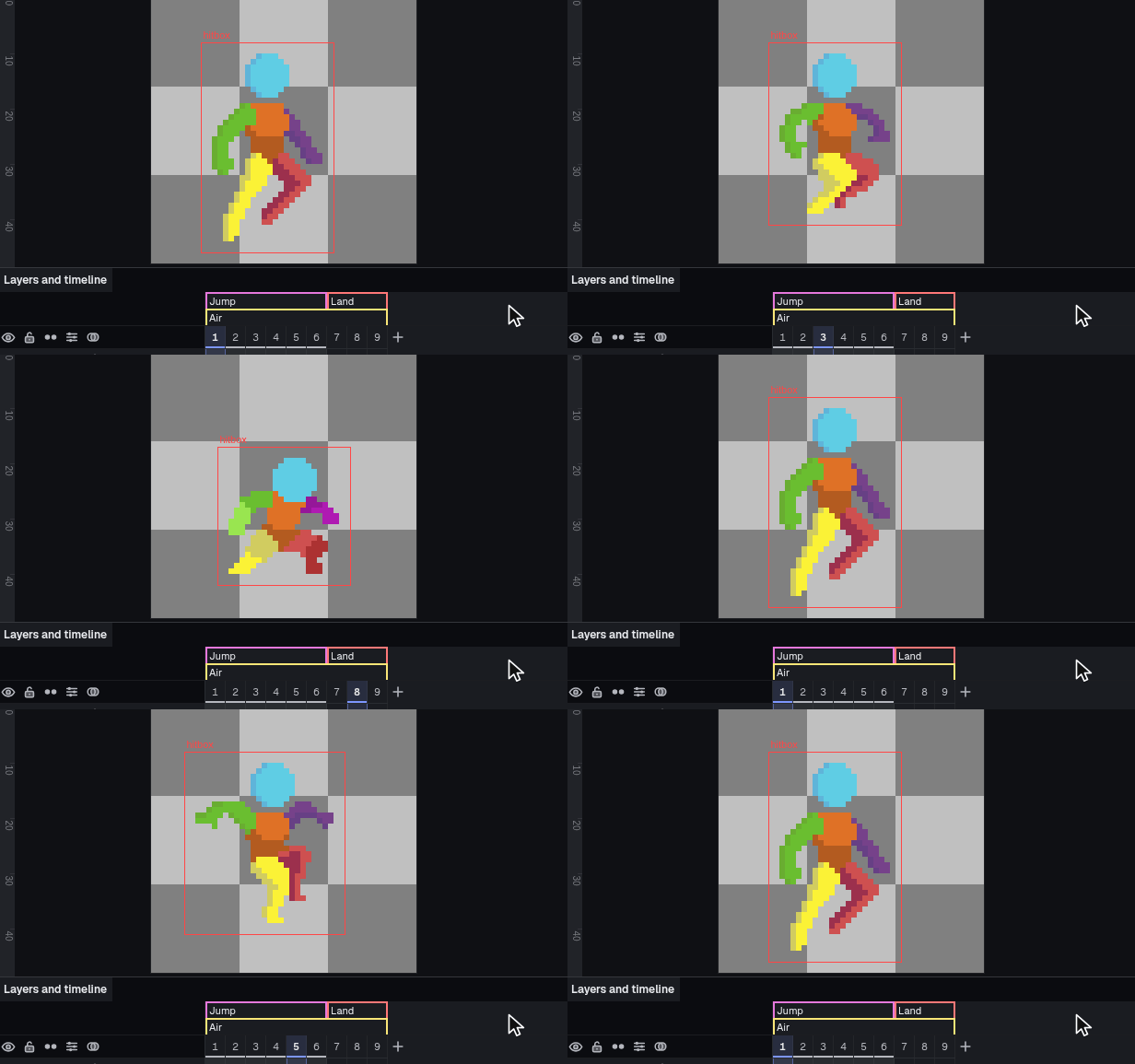
Hitboxes that follow the animation
A slice can change shape on every frame, so the hitbox tracks a jump and its landing.
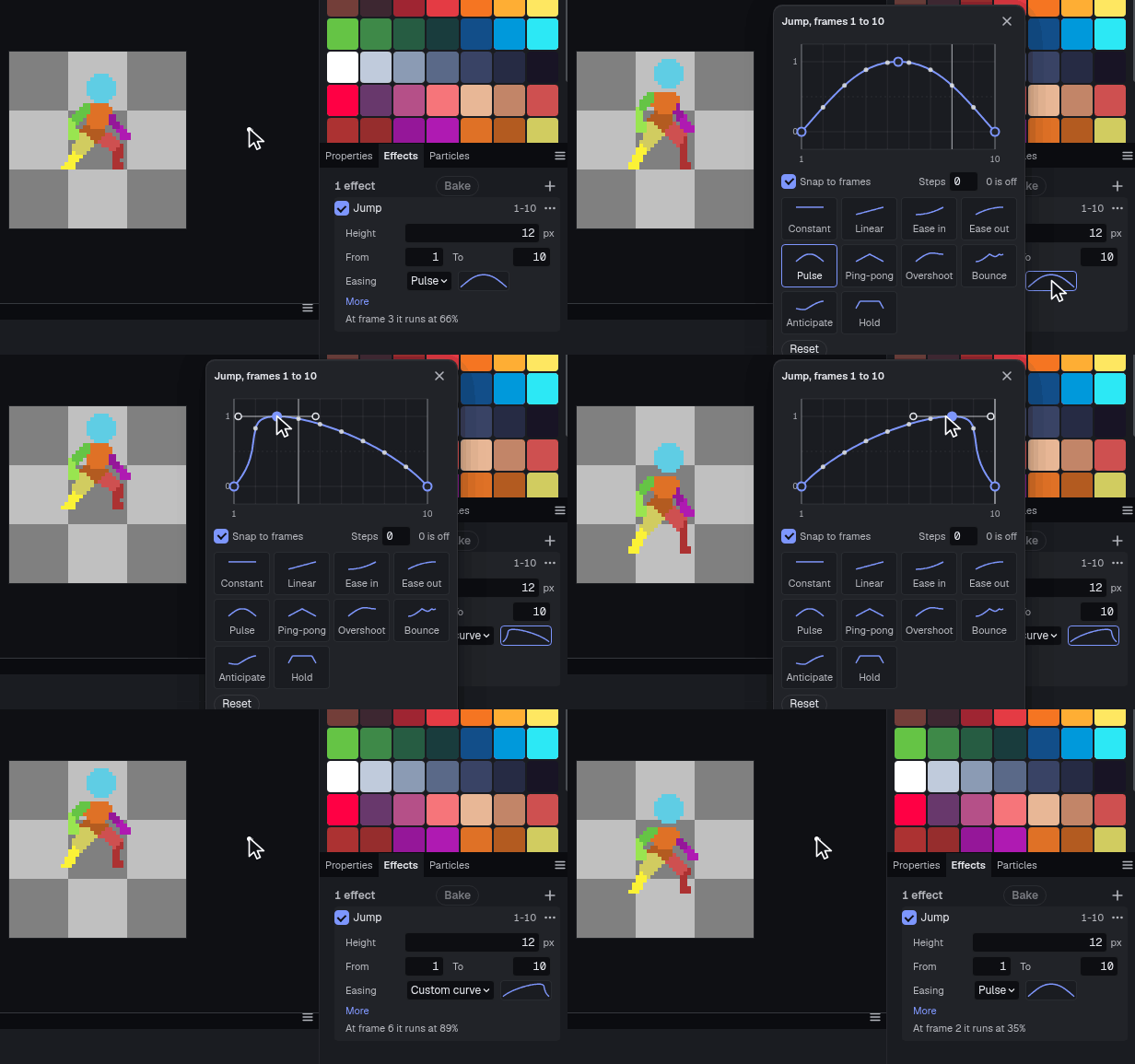
Ease curves you can drag
Shape any effect's timing on a curve and watch the loop change as you drag.


Drawing
The tools you'd expect, plus pixel-perfect strokes, eight inks, seven symmetry modes and a palette that controls every color.
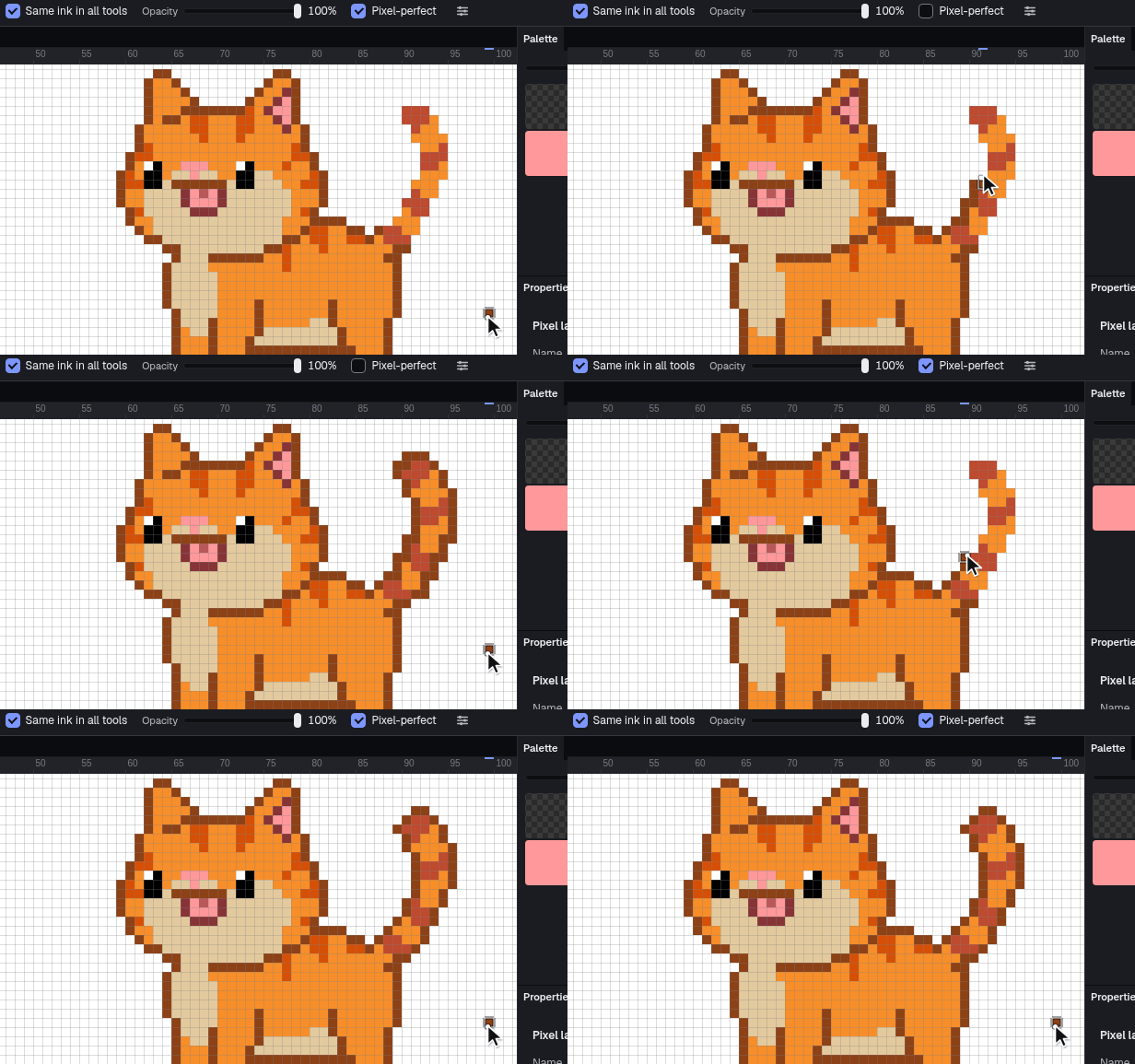
Pixel-perfect strokes
A fast diagonal stays one pixel wide, with no doubled corners.
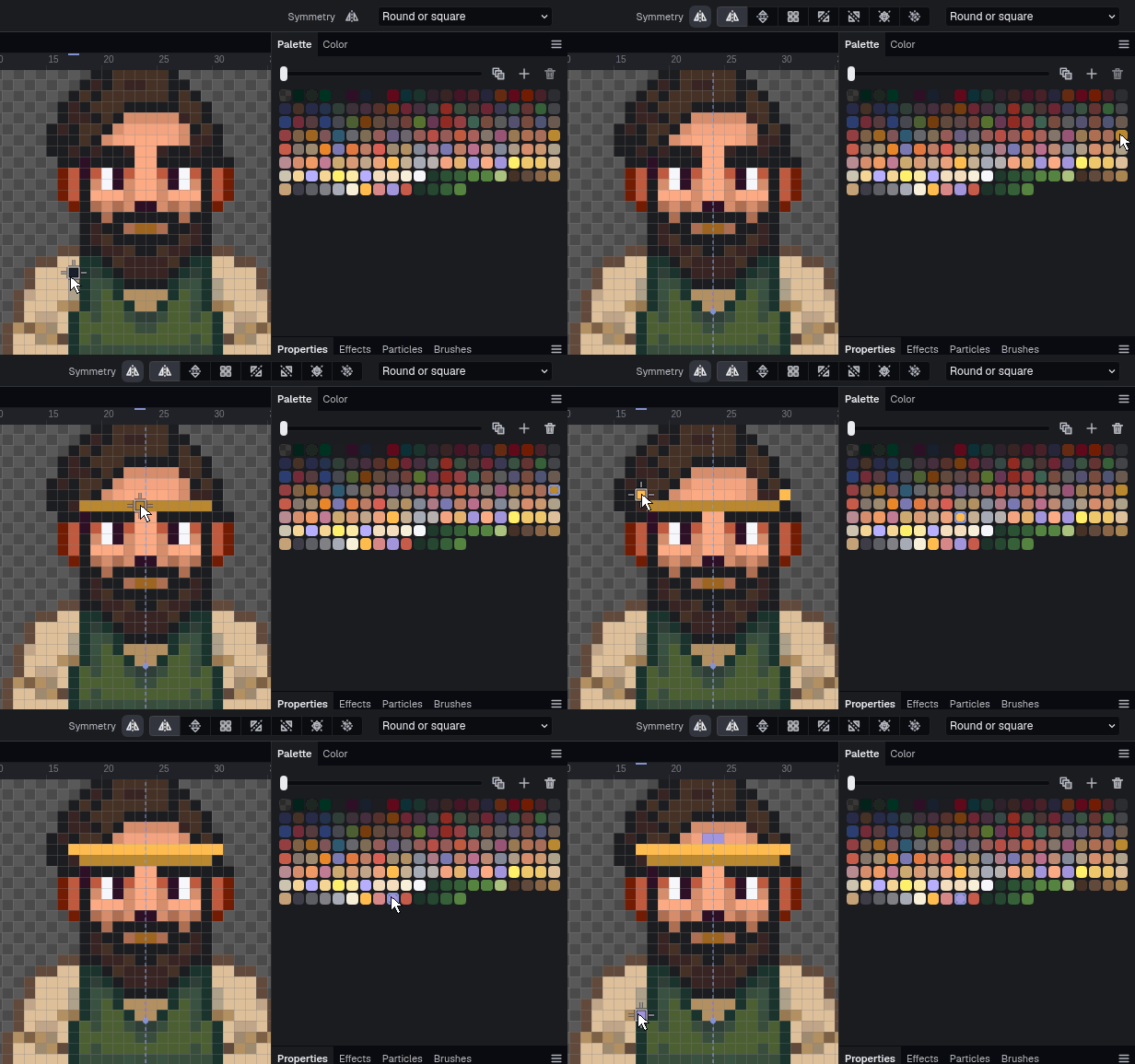
Symmetry
Seven modes, from a plain mirror up to all four axes at once. The axis can sit anywhere.
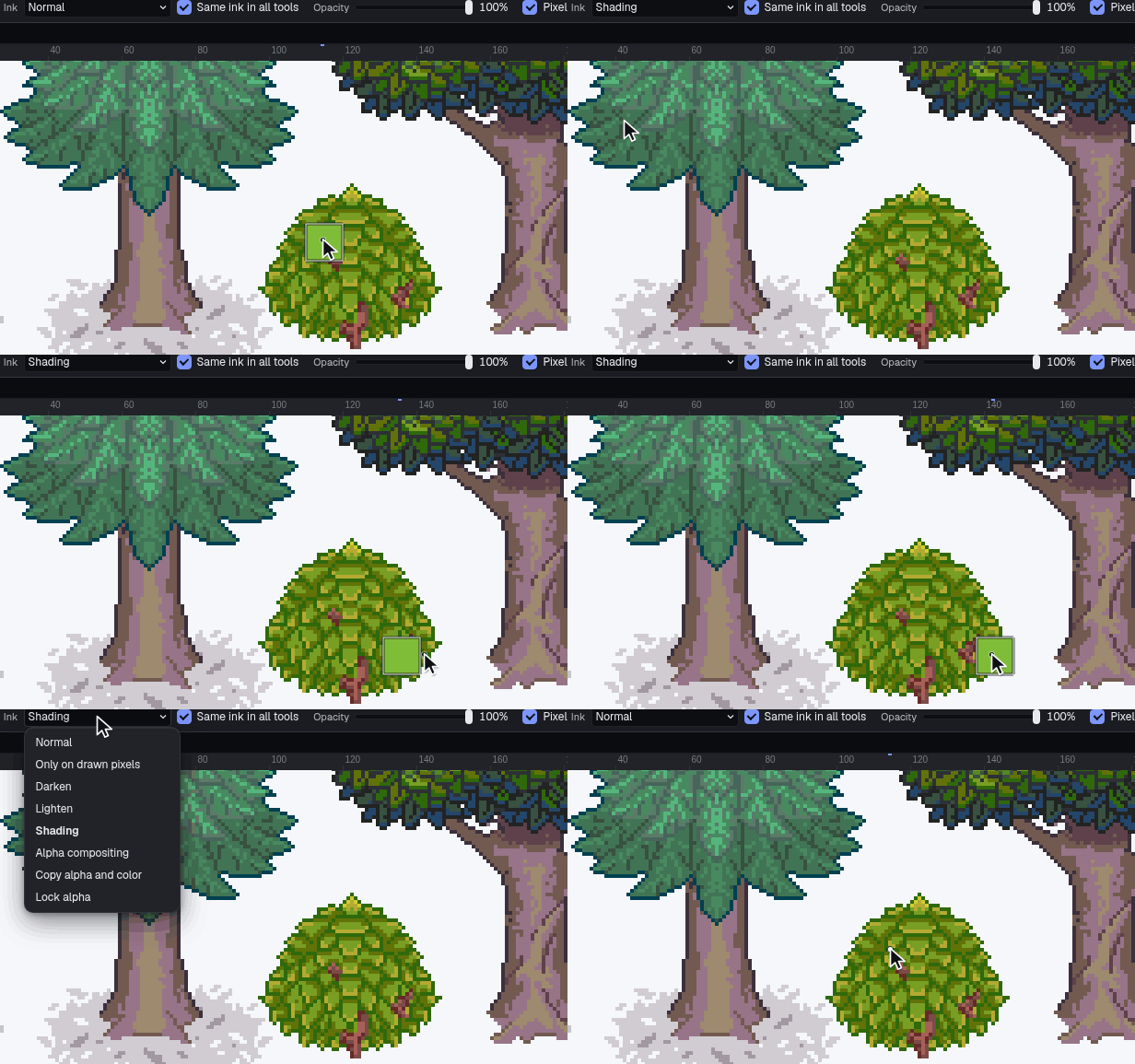
Inks
Normal, only on drawn pixels, darken, lighten, shading, alpha compositing, copy alpha and color, lock alpha.
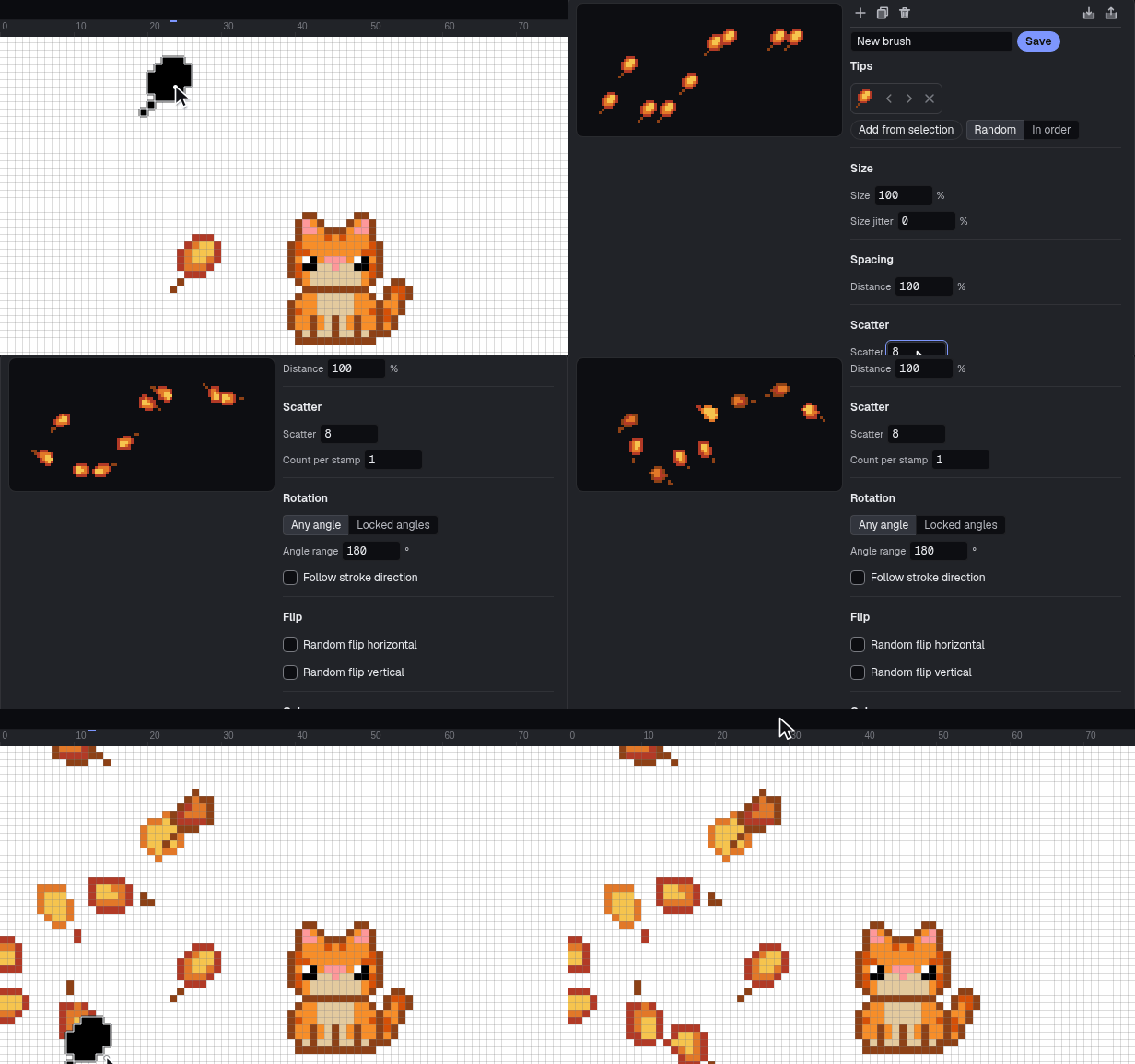
Brush presets
Tips, spacing, scatter, jitter and rotation. Six starters ship, from round to grass tufts.
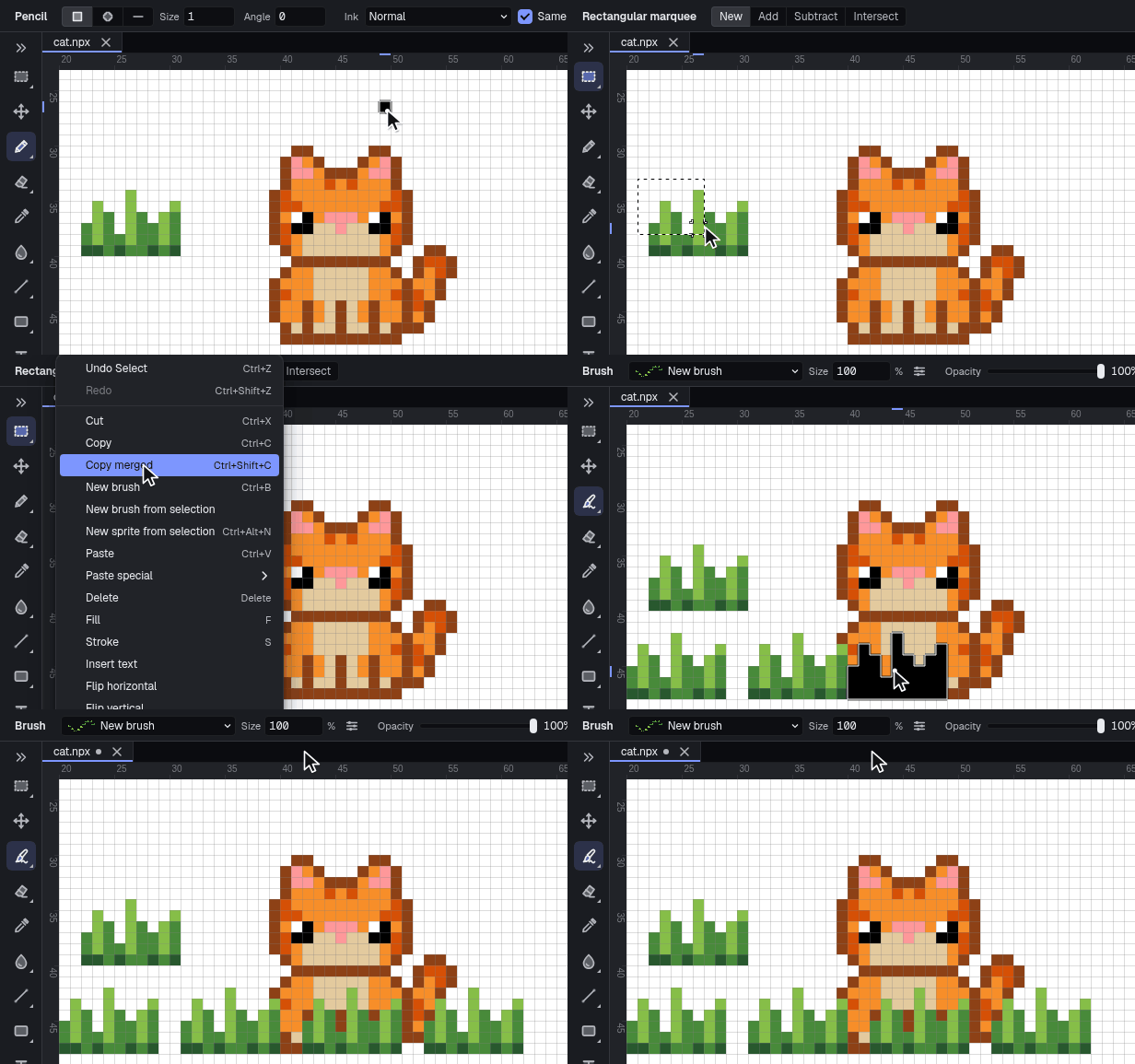
Any selection as a brush
Turn what you've drawn into a brush and stamp it.
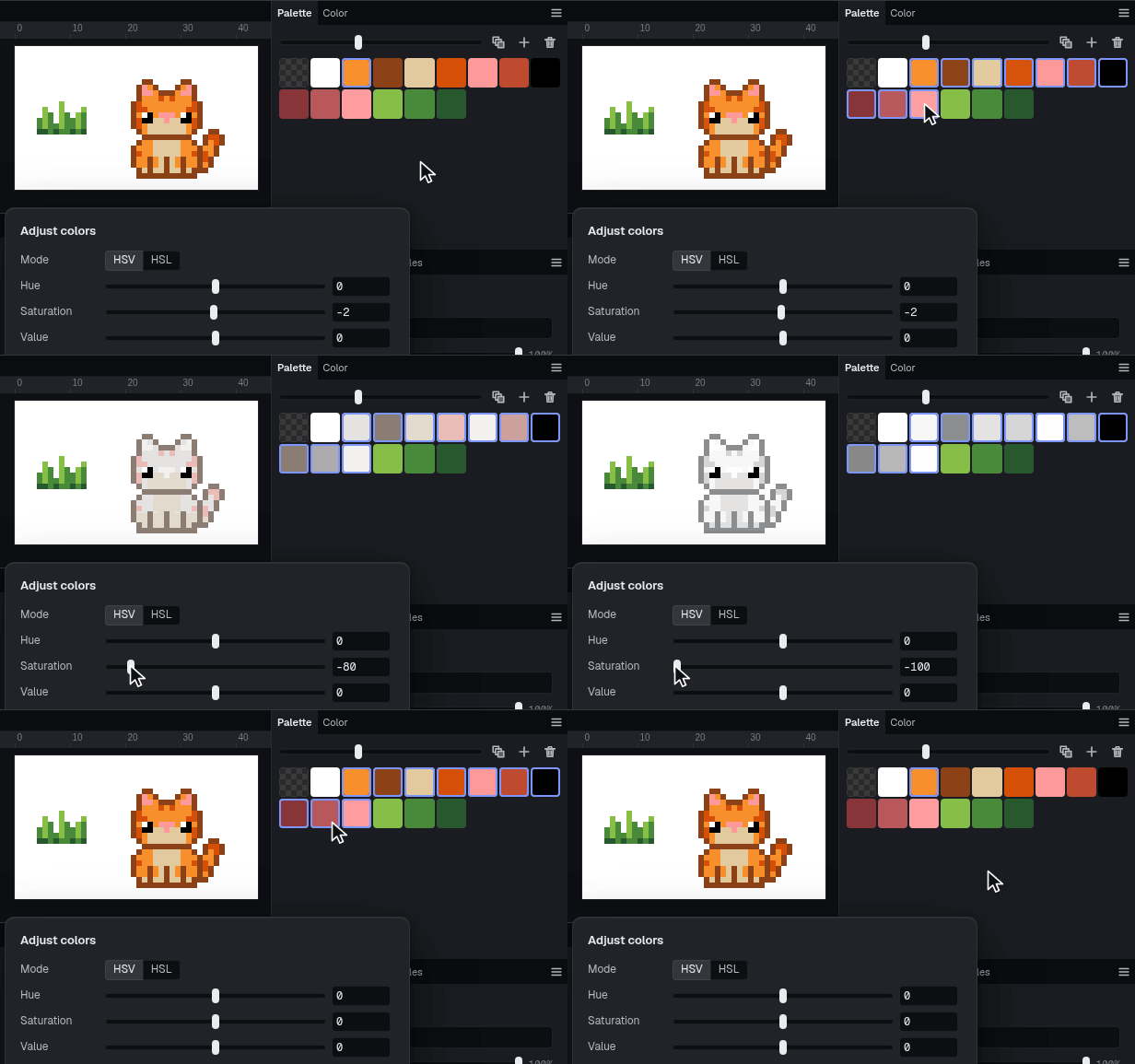
Indexed color
Change a swatch and every pixel painted with it changes too.
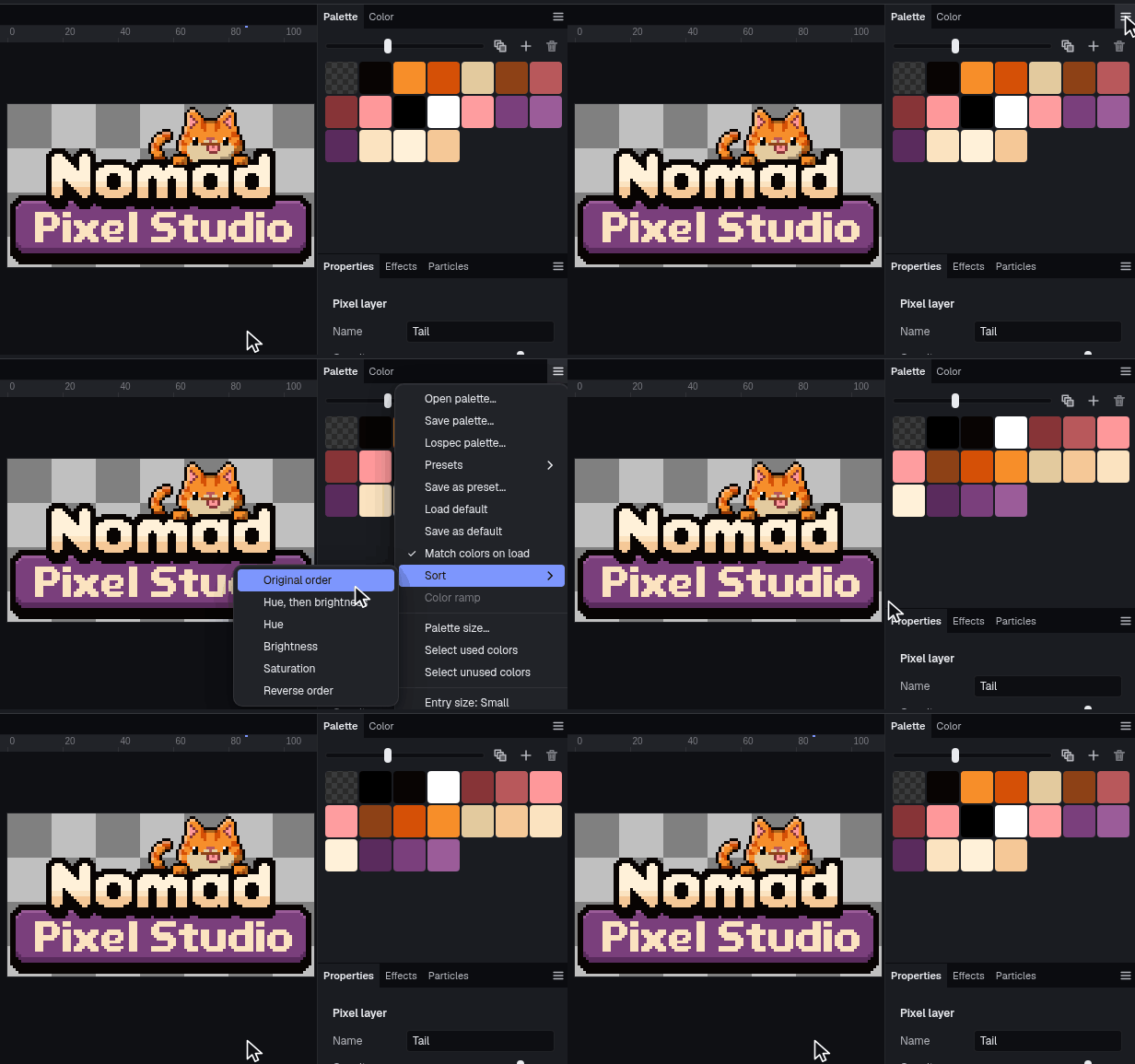
Palette sort that keeps the picture
Sorting the palette remaps the pixels, so the art doesn't change.
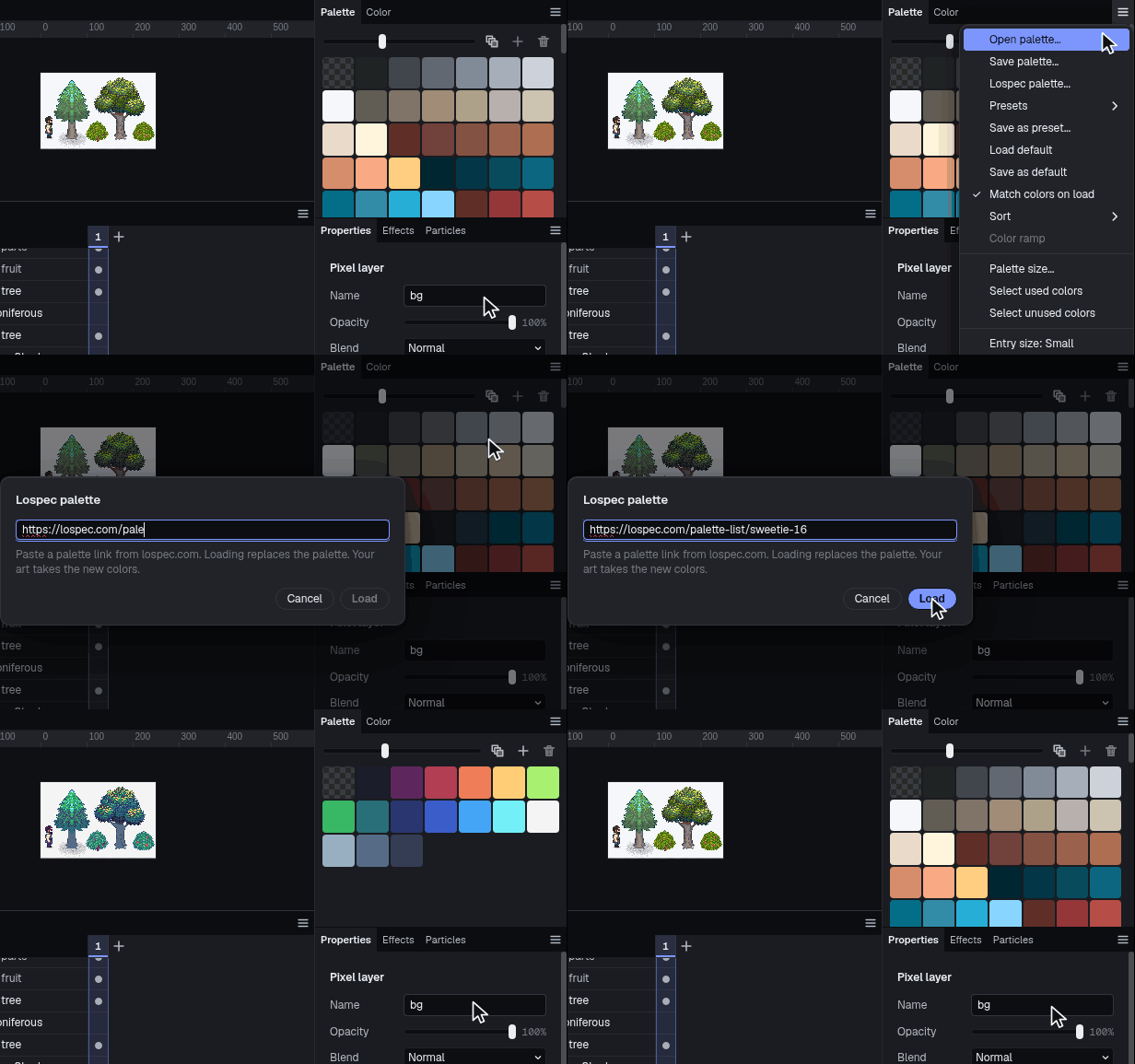
Lospec link
Paste a link to any palette on Lospec. DB16, DB32 and PICO-8 are built in.
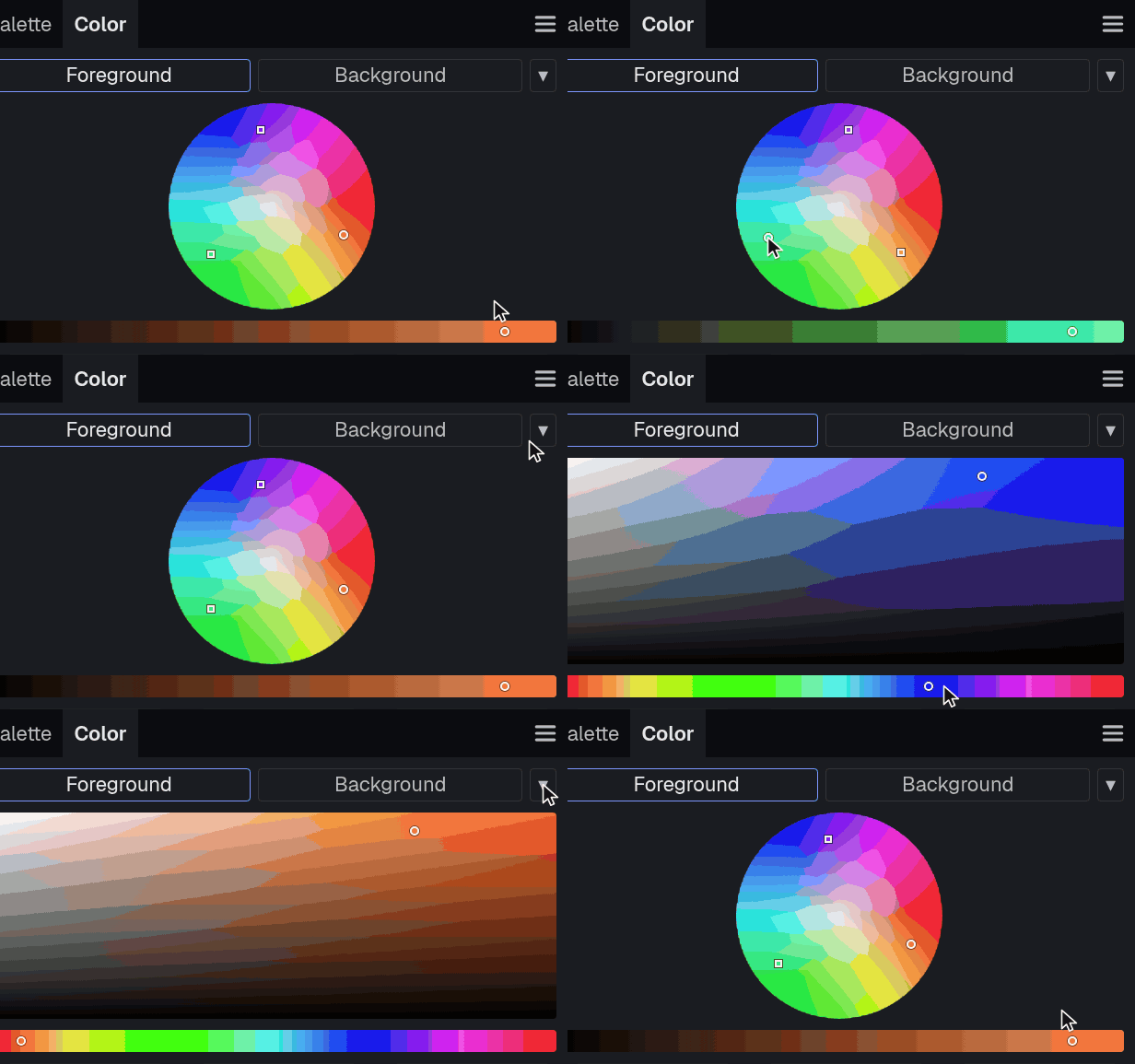
Harmonies and ramps
A color wheel for harmonies and a tint and shade picker for ramps.
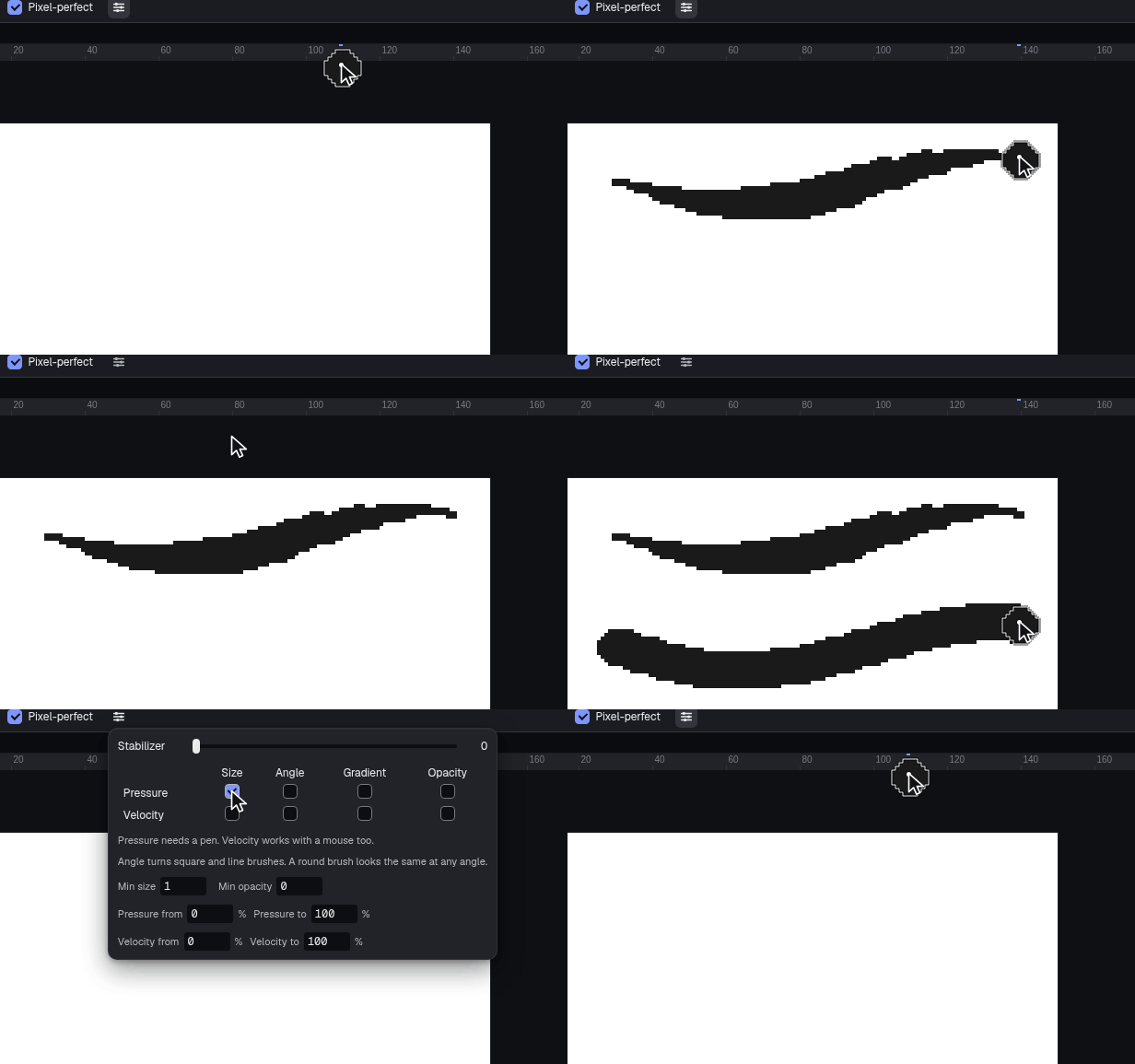
Pen pressure and speed
Either can drive size, angle, gradient and opacity on the pencil.
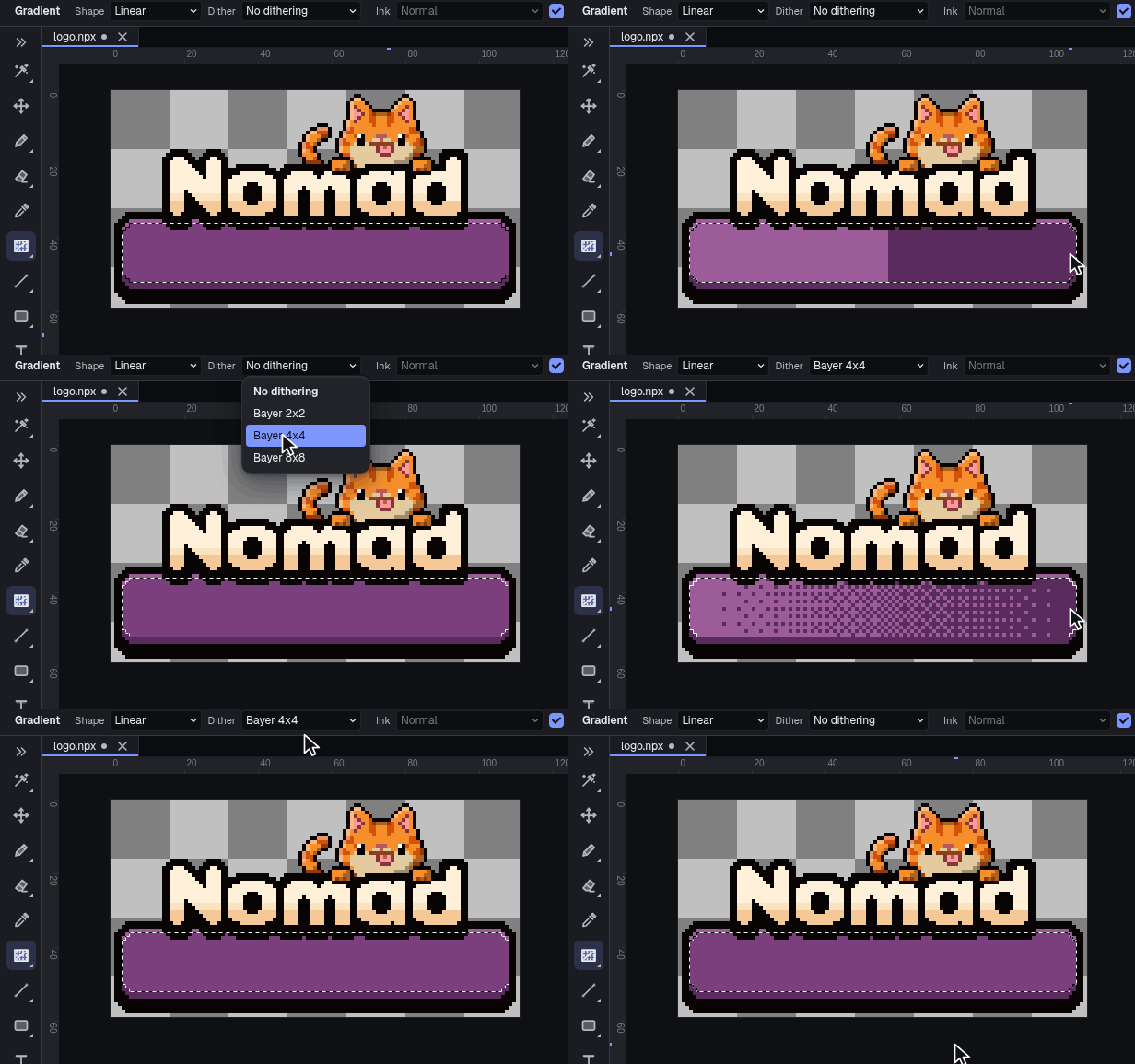
Dithered gradients
Bayer and other matrices, and extensions can add their own.
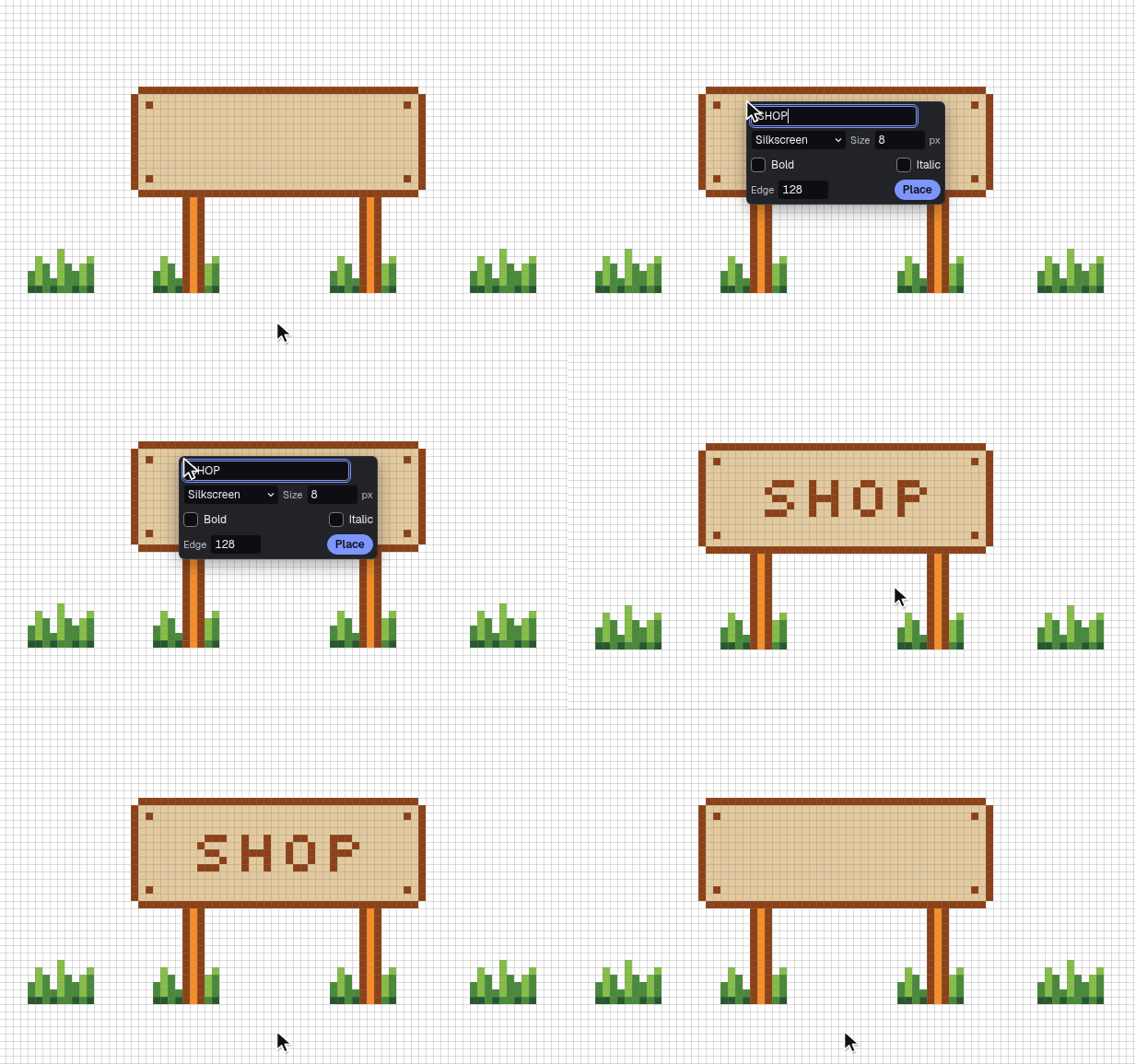
Text
A text tool for labels and signs.


Export
Sprite sheets with a JSON file, PNG frames, GIF, APNG, WebP and FLI, plus layered .psd, .ase and .aseprite files. If a format can't keep something, the app warns you before it saves. Export the whole canvas, a selection or a slice, all frames, one tag or a range, at any scale.
Sprite sheets with JSON
Strips, rows, columns or packed, with padding, a border and trimming. JSON as a hash or an array.
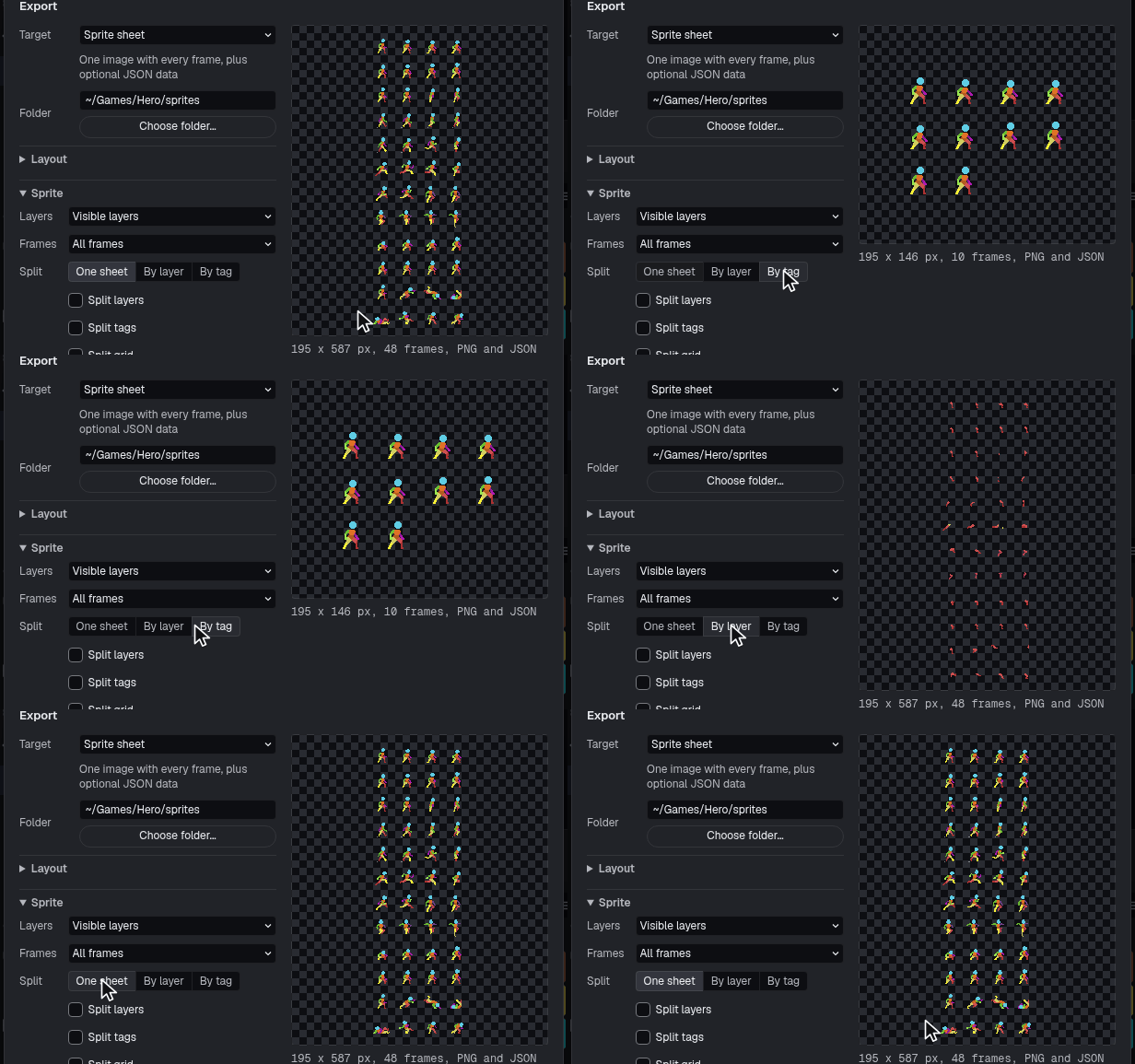
One sheet, or by layer or tag
Constraints for fixed rows, columns, width or height, and power of two.
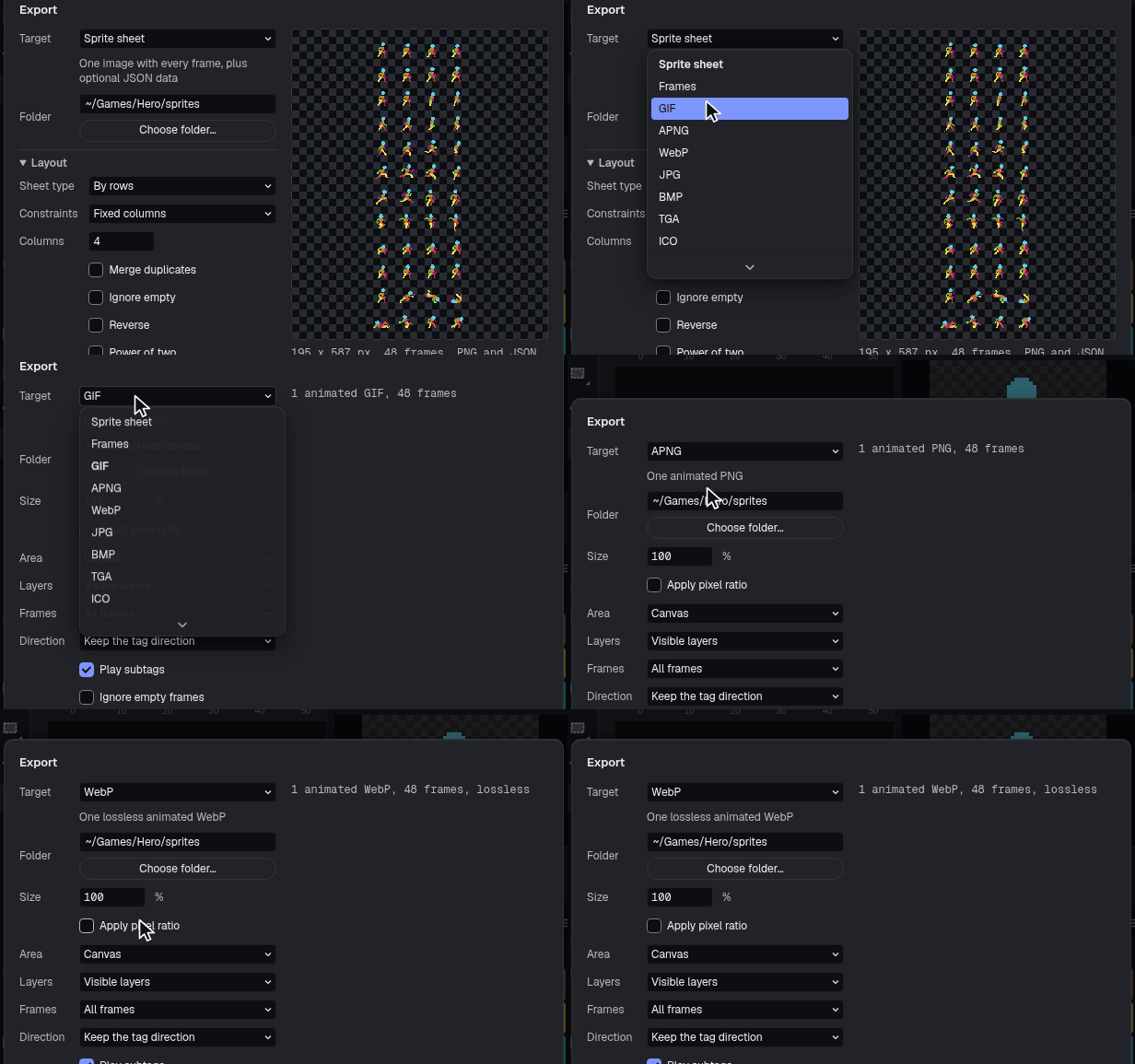
GIF, APNG and WebP
Animations out as a single file.
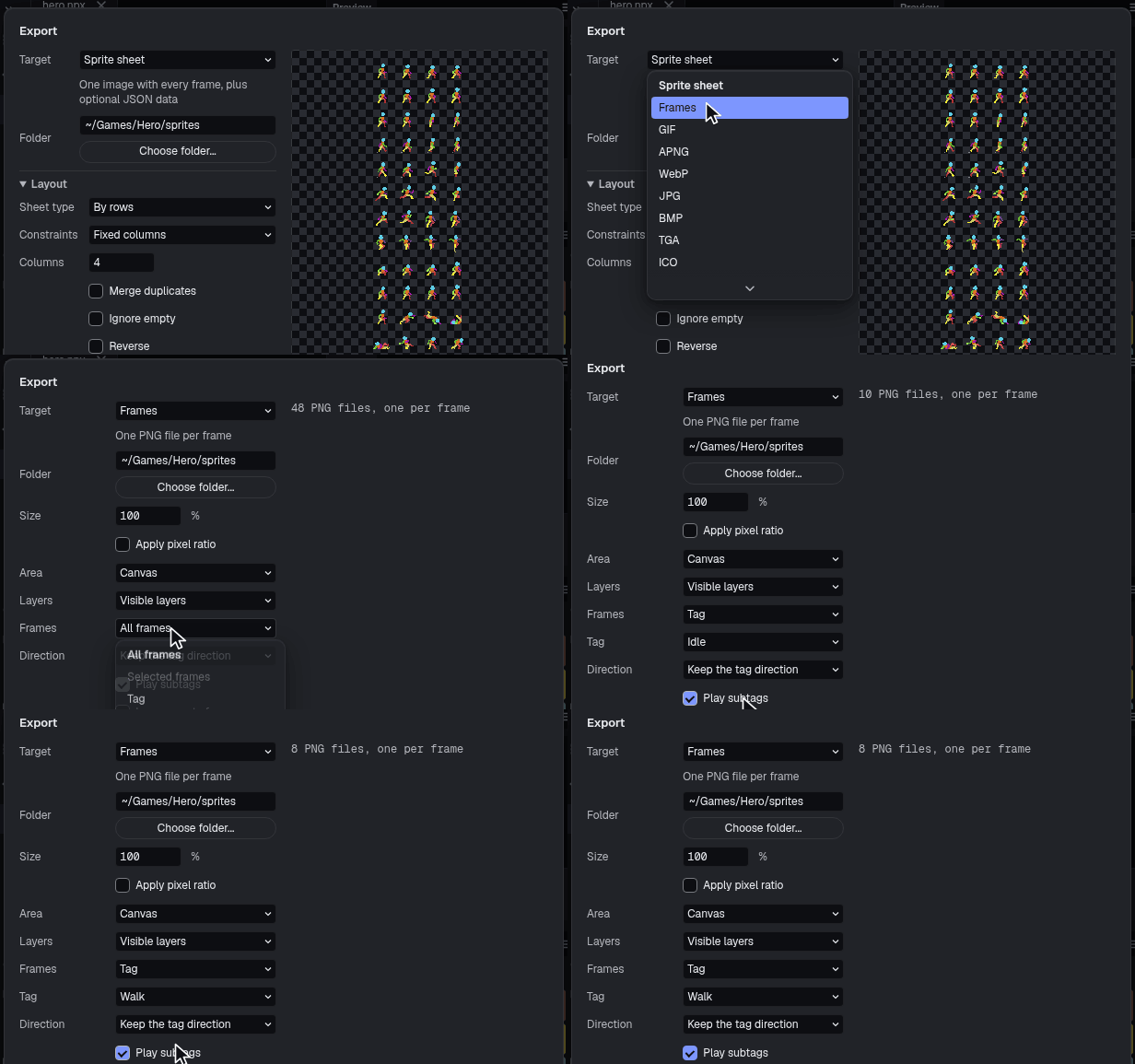
PNG frames
A numbered image per frame.
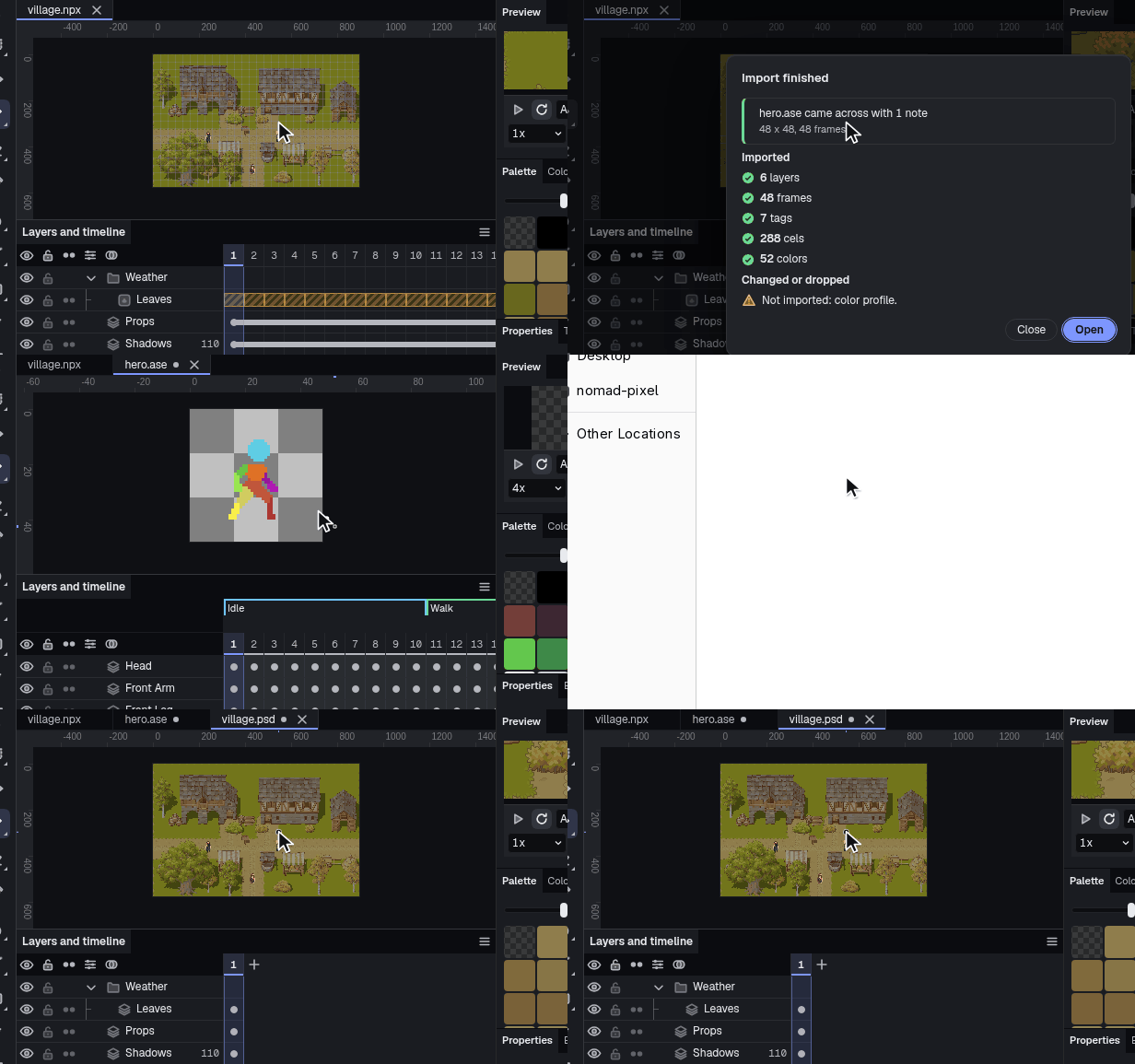
Opens other files
.psd, .ase and .aseprite, plus PNG, GIF, JPEG, BMP, TGA, PCX, ICO and QOI.
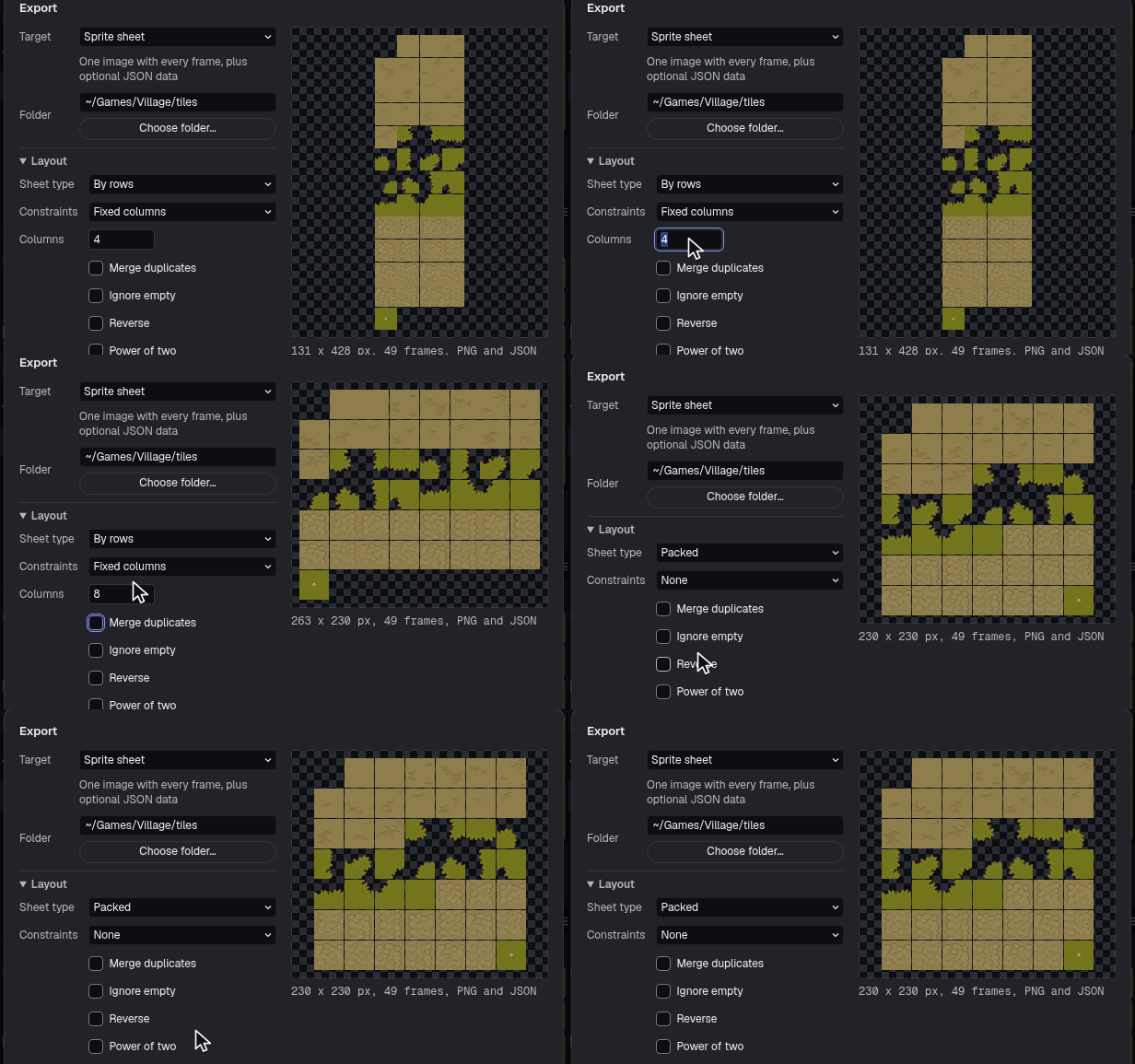
Tileset PNG
A tileset exports on its own.
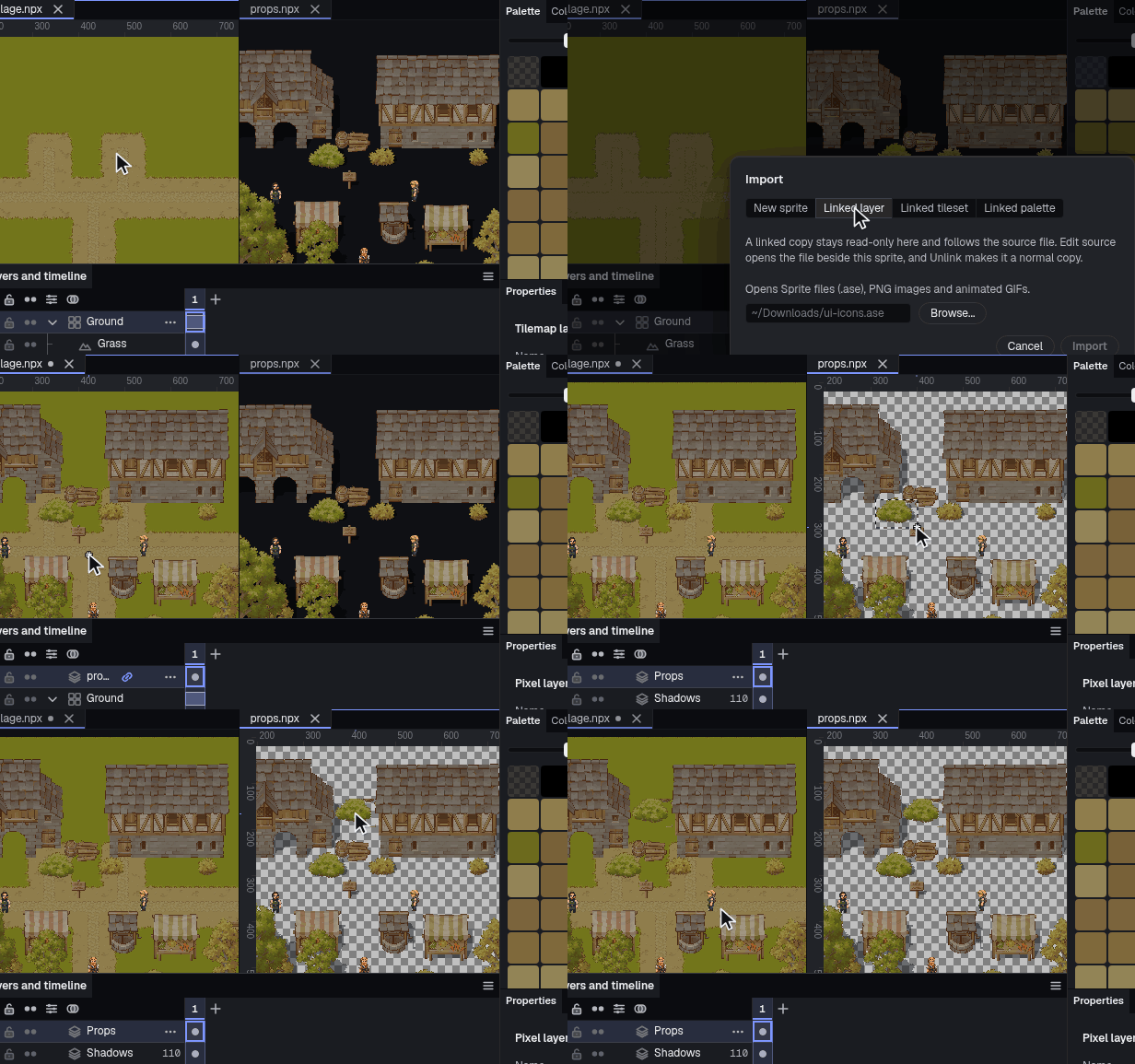
Linked imports
Another file's layer, tileset or palette as a linked copy that refreshes when the source is saved.
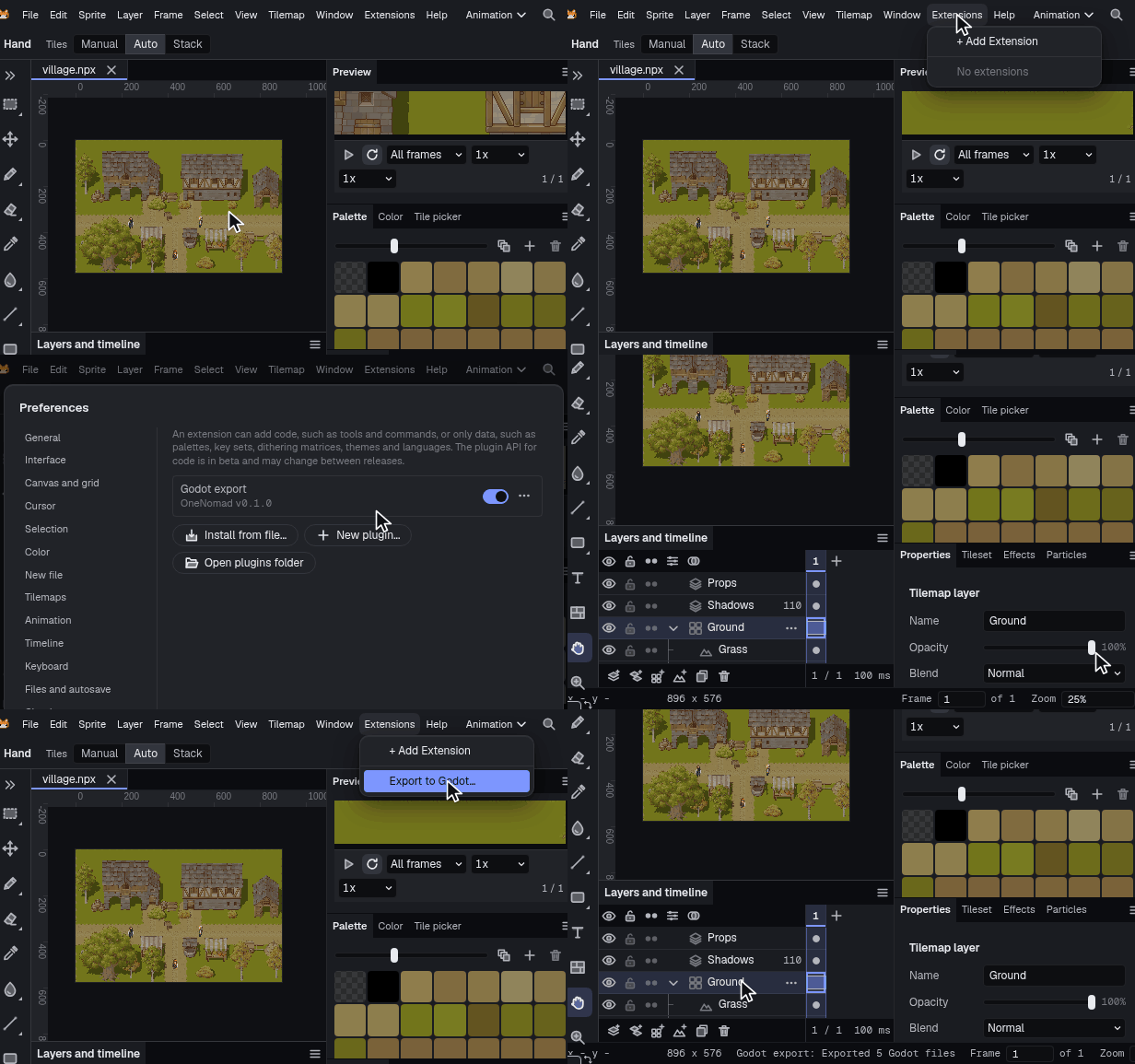
Extensions
An extension is a folder with a plugin.json and one JavaScript or TypeScript file, and it runs without a build step. It can add commands, panels, palettes, key sets, themes and language packs.


On the iPad too
The same app with a touch interface for the iPad and Apple Pencil Pro, and a companion mode that draws into a file open on your desktop.


Your files
Crash recovery
The app writes a recovery copy as you work. If it closes unexpectedly, the next launch offers to restore the document, undo history included.
No account needed
The app works offline and needs no account.
Ordinary files
Projects are ordinary files on your computer, so they go in git or a synced folder like everything else you make.
Other formats
It opens .psd, .ase and .aseprite files and saves layered copies in those formats. Palettes load from GPL, HEX, PAL and TXT files, or from a Lospec link.
Price
You buy it once. There's no subscription and no account to make, and updates to this version are included.
Desktop, on itch.io
$19.99Paid once
One copy covers Windows, macOS and Linux. New versions come from the itch app or your itch.io download page.
Notify me Get it on itch.ioiPad
$19.99Free to download with a 14-day trial, then one in-app unlock at this price
The download is free and one in-app purchase unlocks the full app, with Apple Pencil Pro support, both interfaces and the same files as the desktop.
Get it on the App StoreGet Nomad Pixel
On itch.io for Windows, macOS and Linux, paid once. On the App Store for iPad, free to try for 14 days. Steam comes later.