
 Nomad CanvasIn development, milestone 1 of 8Updated Oct 12, 2026
Pro image editing that opens your PSD files.
Canvas is a desktop image editor built on its own tiled imaging engine. It opens and saves PSD files, paints and retouches on layers, and manages color for screen and print.
Not out yet. Early-bird price at release: $39, then $59.
Don't mind rough edges?
Your PSD files, layers and all
Canvas reads and writes PSD and PSB files with its own code. Open a layered file, edit it, and save it back as a PSD for whoever needs it next.
- Layers and groups
- Masks and clipping
- Blend modes
- Adjustment and fill layers
- Layer styles
- 8, 16 and 32 bits per channel
- CurvesAdjustment
- GlowScreen
- PortraitMask
- TextureMultiply
- Background
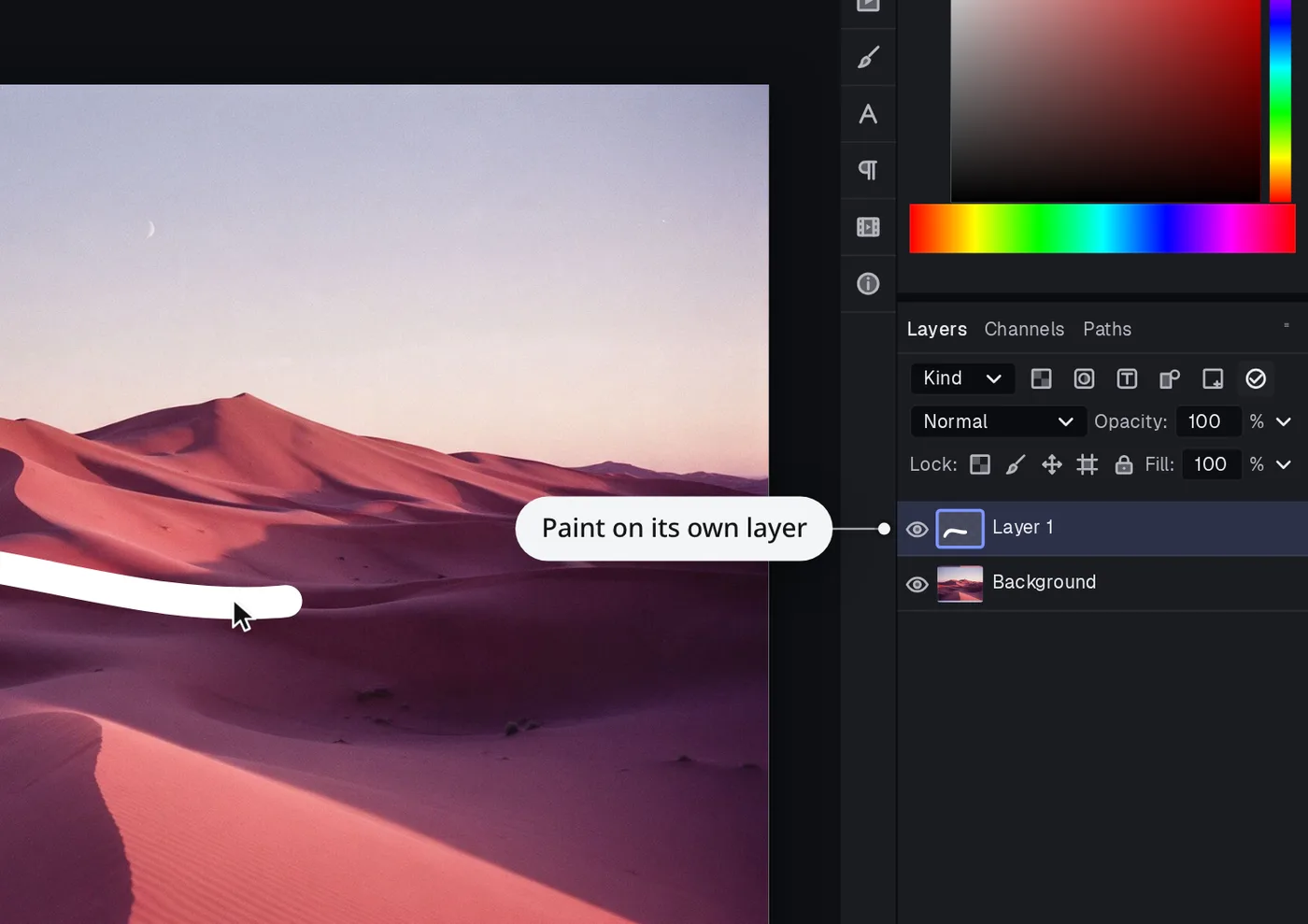
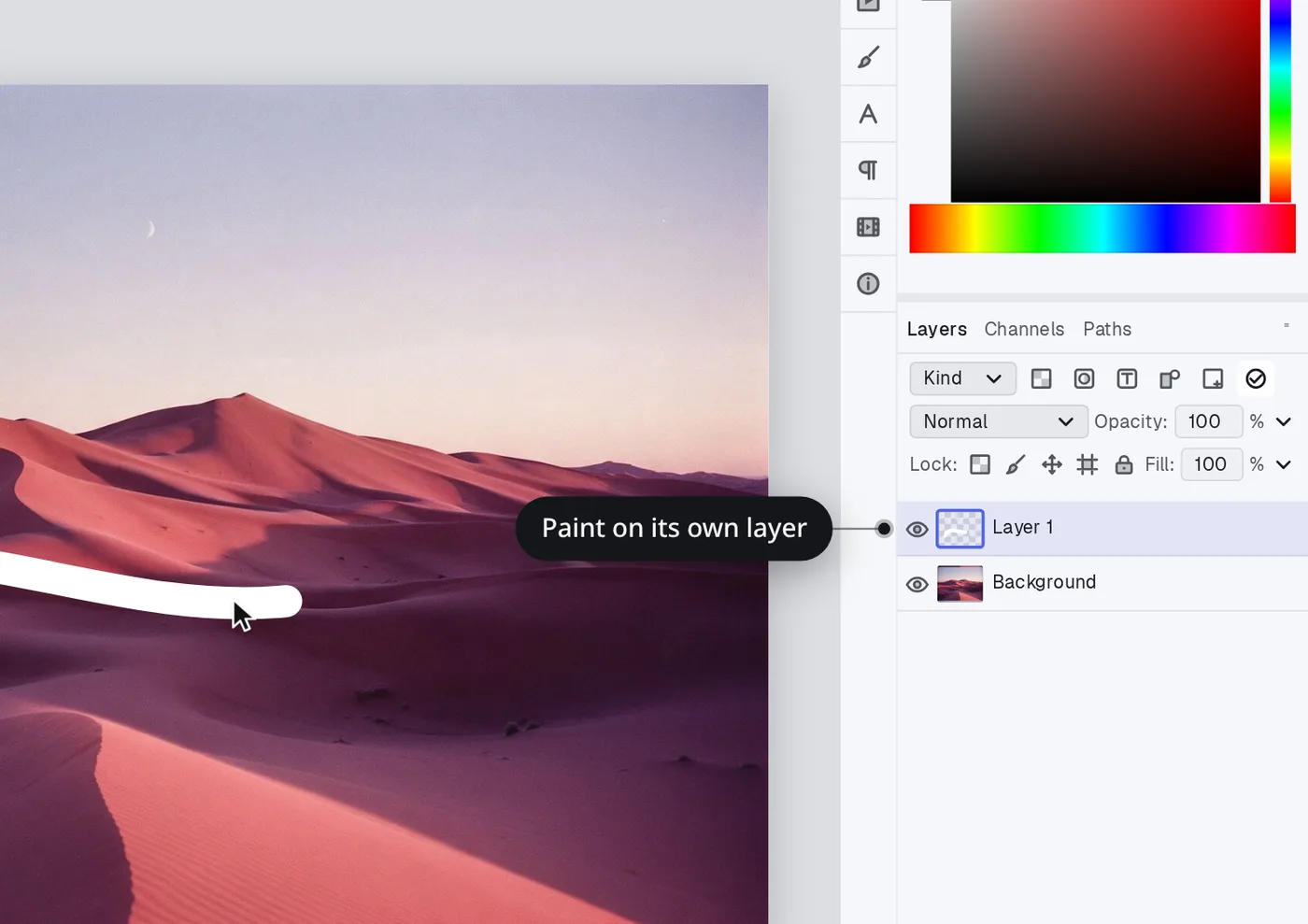
Paint and retouch on layers
Paint on a layer of its own and change it later. Heal away dust and blemishes, blend color on the canvas with the mixer brush, and bring your brush sets in from .abr files.
Color for screen and print
Edit in RGB, CMYK or Lab at up to 16 bits per channel with ICC color management, and soft-proof how an image will print before you send it.
- RGB, CMYK and Lab
- 16 bits per channel
- ICC profiles
- Soft proofing
- C
- M
- Y
- K
Files
Opens
- PSD
- PSB
- PNG
- JPEG
- TIFF
- WebP
- GIF
- BMP
- JPEG XL
Saves and exports
- PSD
- PSB
- PNG
- JPEG
- TIFF
- WebP
- GIF
- BMP
- AVIF
Also in Canvas
Adjustments that leave your pixels alone
Adjustment layers change the look, and you can change them again or take them off.
Crash recovery
Saves can't leave a half-written file. While you have changes, Canvas autosaves a recovery copy every minute, writing only the parts that changed.
Artboards, slices and layer comps
They come through when you open a PSD that has them.
Just an image editor
Canvas edits images. It doesn't catalog your photos, sync them or run them through generative AI.
Switching from another image editor?
Canvas keeps the tools, layer model and default shortcuts most people learned on, so what you know carries over.
Runs on
- macOSApple silicon and Intel
- Windowsx64
- Linuxx64, AppImage
Changelog
Full changelogMilestone 1 in reviewmilestone
The everyday loop is built: open a photo, add layers, paint, select, transform, crop and export.
Questions
Does it open my PSD files?
Yes. Canvas opens and saves PSD and PSB files, and also PNG, JPEG, TIFF, WebP and more.
Will what I know carry over?
Canvas keeps the tools, layer model and default shortcuts most people learned on.
Does it use generative AI?
No. Canvas edits images. It doesn't catalog your photos, sync them or run them through generative AI.
Can I get images ready for print?
Yes. Edit in RGB, CMYK or Lab at up to 16 bits per channel with ICC color management, and soft-proof how an image will print before you send it.
What does Canvas cost?
Canvas isn't out yet. At release it's $39 as an early-bird price, then $59. You buy Canvas once. A license covers you on every computer you use and includes a year of updates, and the app keeps working after that. There's no subscription and no account.
Pro image editing that opens your PSD files.
Don't mind rough edges?